Create vibrant animated illustrations
Discover how Linearity Move can bring your illustrations to life.
免费开始,无需信用卡。
The power of motion
With video content ruling the web and social media, animation is a skill that all professional designers should have in their back pocket. Animating your drawings can truly set your characters and stories apart in the digital world, grab a larger audience, and even land you more clients. Learning something new can be tough, but Linearity Move makes it easy to add playful movement to your illustrations without any technical headaches.
- Seamlessly import your static illustrations from Linearity Curve
- Animate your design in seconds with Auto Animate
Standout features
Linearity Move is built to make animation accessible to everyone.
Auto Animate

Import files, build your scenes, and watch as Auto Animate immediately goes to work.
Pinning
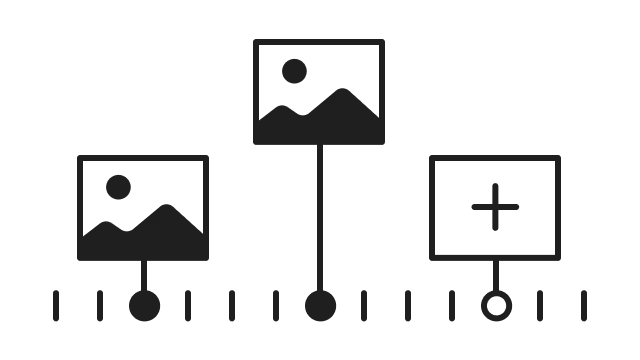
Easily animate your designs by pinning start and end points within your chosen time range.
Presets
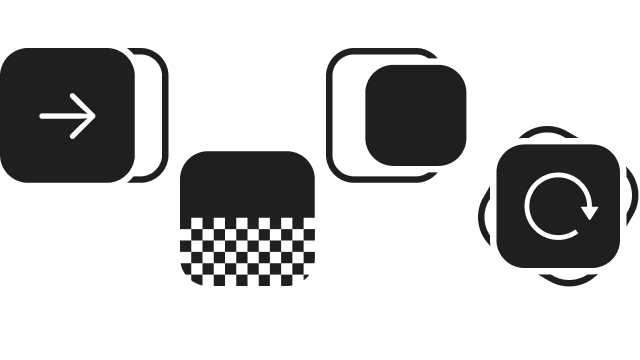
Effortlessly apply complex movements to elements with pre-made animations and effects.
Illustrator who can’t animate? Now you can.
Animation isn't a skill reserved solely for motion graphic designers—it's for everyone, including illustrators. Start with simple shapes and colors, and allow your creativity to take the lead. With Linearity Move's intuitive features, you can freely experiment and play around until you discover the perfect animation.
- Auto Animate immediately creates the transitions between artboards and shapes.
- Presets allow you to quickly and easily apply complex movements to elements.
Your all-in-one animation tool
Linearity Move revolutionizes the animation process by offering two distinct modes. Animate mode is your command center for animation and timeline control, giving you the reins to manage every movement and transition with precision. Simultaneously, Design mode empowers you to make on-the-fly adjustments to your animation's design properties effortlessly. No more back-and-forth between interfaces for those small tweaks. Enjoy a hassle-free experience and keep that creative momentum going strong.
- Design and animate without switching software.
- Work on the same synced file on iPad and on Mac
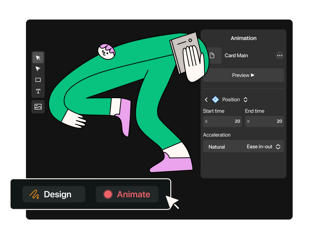
How to animate your illustrations
Any vector graphics can seamlessly come to life in Linearity Move. But before you bring in your chosen illustration, take a second to tidy up those layers. Keep things organized, and make sure all the elements you want to animate are on separate layers. This little step will make your animation journey a whole lot smoother. Next, open Linearity Move and simply import your design file. Everything will appear in the timeline in the same order.


Ready to bring your illustrations to life?
Don't miss the opportunity to experience the magic of Linearity Move.
Get StartedExplore other use cases

Design and animate on iPad with the LAMY Safari note+.

Design a billboard with Linearity Curve

Make your own logo design with Linearity

Create branded communication posts with Linearity

Animate your presentations

Motion graphics in-house with Linearity Move | Linearity

Design the Best Social Media Posts | Linearity

How to animate any illustration?

App Store assets that convert and App mockup

Linearity Design Suite: Affordable Adobe Illustrator Alternative for Creatives

Make every marketing asset count

Upgrade your Brand with Linearity

Digital Illustration with Linearity Curve

Create online ads faster

Make a Logo that Counts
Linearity | Design & animate digital ads with ease

Marketing templates for scaleable asset creation
Make every marketing asset count
Make every marketing asset count
Make every marketing asset count

Design a unique business card with Curve
Frequently asked questions
Have more questions? Visit our FAQs page.