Bring your graphic designs to life with animation
Transform your designs into professional motion graphics with the power of Linearity Move.
免费开始,无需信用卡。
Experience the magic of motion design
Say goodbye to costly and complex tools and hello to limitless creativity. Linearity Move offers a cost-effective and efficient way to animate your graphics. Leverage powerful software with an intuitive interface and seamless integration with Linearity Curve and Figma. Linearity Move offers an easy learning curve, making it the perfect tool for design professionals.
Our Auto Animate feature saves designers valuable time and eliminates the need for complex animation work. It smoothly transitions between object states across artboards, effortlessly delivering polished and professional animations in minutes.
Precision is key in animation, and Linearity Move has you covered. Set your own Pins in the timeline to quickly and efficiently animate the section you want to, with no keyframe fiddling needed. Your visions will come to life with unmatched finesse.
Use Cases
We know your time is valuable, so we've integrated intuitive shortcuts that speed up your workflow. Focus on your creativity, not the technicalities.
Plus, we've made transitioning to Linearity Move a breeze with familiar tools like the Selection Tool , Node Tool , Shape Tool, and Text Tool. Your existing skills will shine as you step into the world of motion design.
- Master our animation shortcuts

Animate at lightning speed
Designers, even those new to animation software, can plan their entire animation in Linearity Curve and effortlessly bring it to life in Linearity Move. Linearity Move does the hard part for you.
Simply import a series of static art boards from Linearity Curve, and Linearity Move will automatically animate the gaps between them. Then, adjust these animations until the details are perfect.

Effortless animation, maximum impact
Revolutionize design and animation with our cutting-edge design suite for graphic artists, illustrators, and social media content creators.
Auto Animate
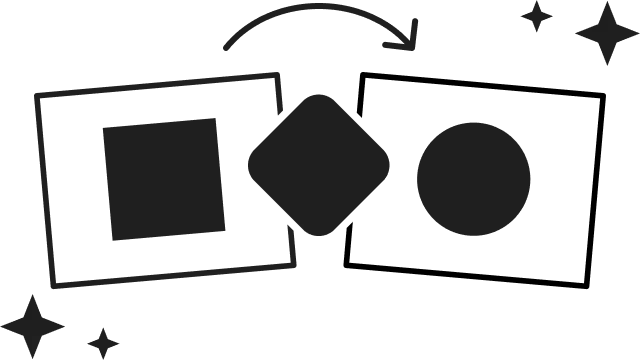
Import files, arrange your frames into multiple scenes, and watch Auto Animate instantly bring your designs to life.
Morphing
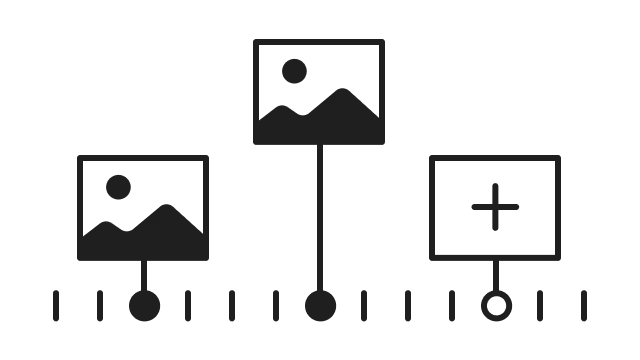
Select two design elements, place them on opposite ends of the timeline, click the
Presets
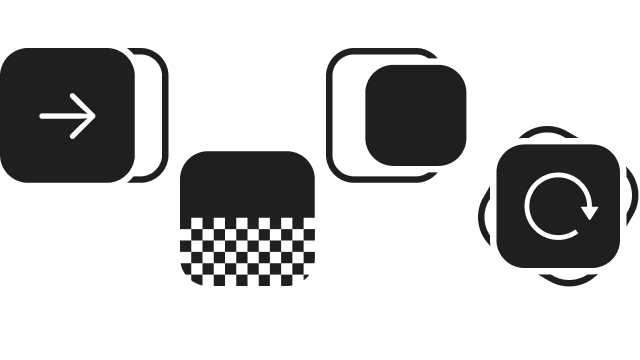
Quickly and easily apply complex movements to elements with pre-made animations and effects.
Motion design has never been easier
Unleash the potential of Linearity Move's innovative animation features.
Create captivating animations, eye-catching video intros, and memorable motion graphics with the power of morphing. By choosing two design elements, positioning them at opposite ends of the timeline, utilizing the
Stay ahead of the curve and leave a lasting impression on your clients with our extensive presets that will spark your creative animation endeavors. Get started for free
Ready to bring your graphic design to life?
Don't miss the opportunity to experience the magic of Linearity Move.
Get StartedExplore other use cases

Design and animate on iPad with the LAMY Safari note+.

Design a billboard with Linearity Curve

Make your own logo design with Linearity

Create branded communication posts with Linearity

Animate your presentations

Motion graphics in-house with Linearity Move | Linearity

Design the Best Social Media Posts | Linearity

How to animate any illustration?

App Store assets that convert and App mockup

Linearity Design Suite: Affordable Adobe Illustrator Alternative for Creatives

Make every marketing asset count

Upgrade your Brand with Linearity

Digital Illustration with Linearity Curve

Create online ads faster

Make a Logo that Counts
Linearity | Design & animate digital ads with ease

Marketing templates for scaleable asset creation
Make every marketing asset count
Make every marketing asset count
Make every marketing asset count

Design a unique business card with Curve
Frequently asked questions
Have more questions? Visit our FAQs page.