

Is there a better After Effects alternative?
Discover why creative professionals are choosing Linearity Move over After Effects.
Animate anything today
Linearity Move is revolutionizing the industry by democratizing animation, making it accessible to beginners and seasoned animators alike.
Auto animation
Short learning curve
Instant + scalable results
Why choose Linearity Move over After Effects?
Recognized for its industry-leading capabilities, After Effects boasts an extensive feature set that empowers users to create complex and visually stunning animations with precision. After Effects is a powerhouse, offering in-depth control over animations, intricate keyframing, and a wide range of effects and plug-ins.
Linearity Move takes animation to the next level by introducing unprecedented ease and accessibility. Unlike After Effects, which requires a significant learning curve and extensive expertise, Linearity Move simplifies animation for users of all skill levels.
Features | After Effects | |
|---|---|---|
Clean interface | ||
Ease of learning | ||
Workflow efficiency | ||
3D and character animation | ||
Vector-first functionality | ||
Compatible with iPad, iPhone, iMac | ||
Design and animate in one space | ||
Fully customizable animation effects and presets | ||
Windows compatibility | ||
Ease of Collaboration (coming soon) |
Why Move is better
Dynamic design in motion
Introducing the Linearity design suite, a groundbreaking design and animation toolkit for graphic artists, illustrators, and social media content creators.
Auto Animate
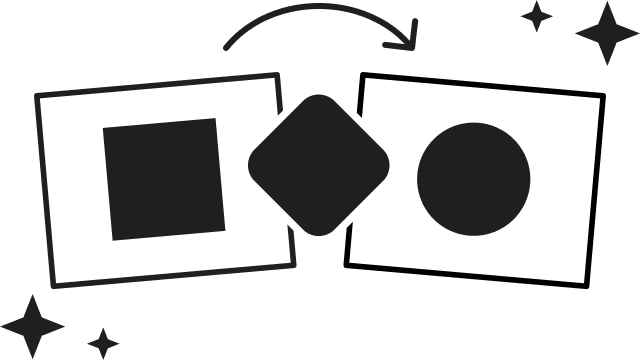
Morphing
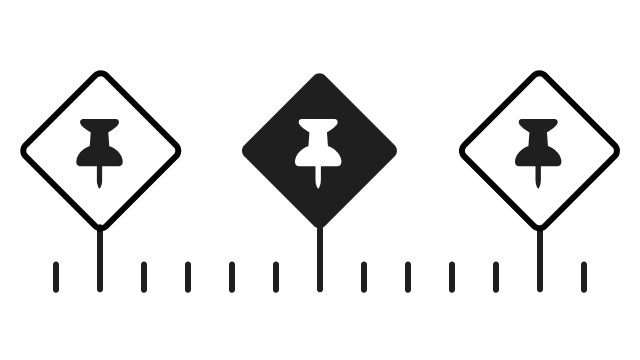
Presets
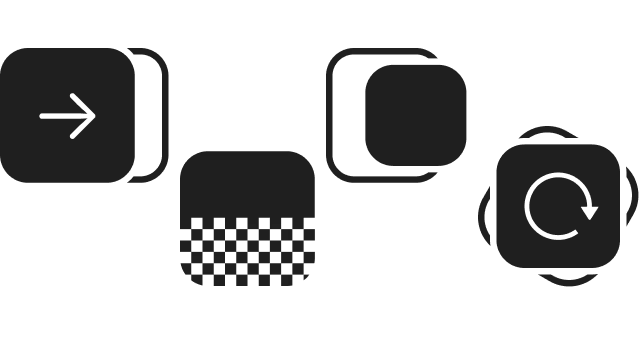
Flawless animations every time
What people are saying about Linearity Move...
Auto-animate has been great. Now we can take design assets and animate them in minutes.



Frequently-asked questions
Selecting the optimal Adobe After Effects alternative hinges on various critical considerations, particularly those seeking software with specific attributes such as a steep learning curve, special effects, realistic effects, 3D animations, and 2D animation functionalities.
To navigate the often challenging learning curve, prioritize alternatives with user-friendly interfaces and robust tutorial support. Ensure a seamless transition for users accustomed to After Effects. Assess the diverse special effects each option offers, including motion tracking, green screen removal, and particle effects.
Gauge the software's capacity to generate lifelike effects, encompassing natural lighting, shadows, and reflections. If 3D animation is a key requirement, prioritize alternatives excelling in modeling, texturing, and animating in three dimensions.
Similarly, for 2D animation, scrutinize the drawing and frame-by-frame animation features, such as the capabilities of Linearity Move.
By balancing these considerations, you can identify the Adobe After Effects alternative that aligns best with your specific needs and preferences.
After Effects is not entirely free; however, there are options to explore its capabilities. While it is an industry-standard motion graphics software included in the Adobe Creative Cloud, there isn't a fully free version. Users can access a trial version to experience its features, but for a more sustained free option, consider Linearity Move's free plan.
Linearity Move provides a powerful motion graphics tool without the financial commitment, making it an accessible alternative for those on a budget.
One notable disadvantage of Adobe After Effects is its less-than-optimal user interface. While powerful, it lacks a clean and user-friendly design, contributing to a steep learning curve for new users.
Unlike Linearity Move, it does not boast an intuitive interface, making it potentially challenging for those without prior animation experience to navigate seamlessly. This can result in a longer onboarding process and may be less accessible for beginners looking for a more straightforward and user-friendly platform.
No, Adobe After Effects is not available as a standalone app for phones. While Adobe provides mobile apps like Adobe Premiere Rush for video editing on phones, After Effects, specifically designed for advanced tasks such as creating 3D environments and intricate motion graphics, is primarily intended for desktop use. Thus, visual effects artists, graphic designers, and video editors looking to work with After Effects may need to utilize the desktop version on a computer rather than on a phone.
Linearity Move is compatible with iPad, iPhone, iMac.
Several excellent After Effects alternatives cater to diverse user needs. Linearity Move is notable for its user-friendly interface and powerful motion graphics capabilities, offering an accessible option for beginners. Hitfilm Pro stands out with its advanced features like motion tracking, 3D titles, and 3D compositing, making it a versatile choice for professionals. Nuke Studio excels in node-based compositing, providing a robust platform for digital compositing tasks.
Each alternative brings unique strengths: Linearity Move for simplicity, Hitfilm Pro for comprehensive features, and Nuke Studio for advanced node-based workflows. Consider your specific requirements, such as special effects, realistic effects, and 3D animations, to determine the best fit for your project and expertise level.
When seeking an Adobe After Effects alternative, consider crucial features for a professional software experience without the hefty price tag. Look for advanced features such as animation speed, keyframe precision, and support for beautiful motion graphics animation. A robust alternative should accommodate 2D animators and provide key tools for experienced users, including special effects integration and the capability to handle unlimited layers.
Prioritize a platform that strikes a balance between user-friendly interfaces for beginners and the sophisticated tools demanded by seasoned animators. By evaluating these aspects, you can find a cost-effective alternative that aligns with your creative needs and expertise level, offering a comprehensive solution for impactful motion graphics and animations.
Linearity Move emerges as an ideal Adobe After Effects alternative for beginners. Geared towards graphic designers and those venturing into visual effects, Linearity Move offers a user-friendly interface, easing the learning curve for novices. It strikes a balance by providing advanced effects and animation tools while remaining accessible for users new to animated graphics.
While advanced users may appreciate its advanced tools, the platform ensures a smooth introduction for beginners exploring the world of motion graphics and visual effects. With Linearity Move, aspiring animators and designers can embark on their creative journey with a tool that combines sophistication with user-friendly features, making it a commendable choice for those just starting.
Compare us with other apps
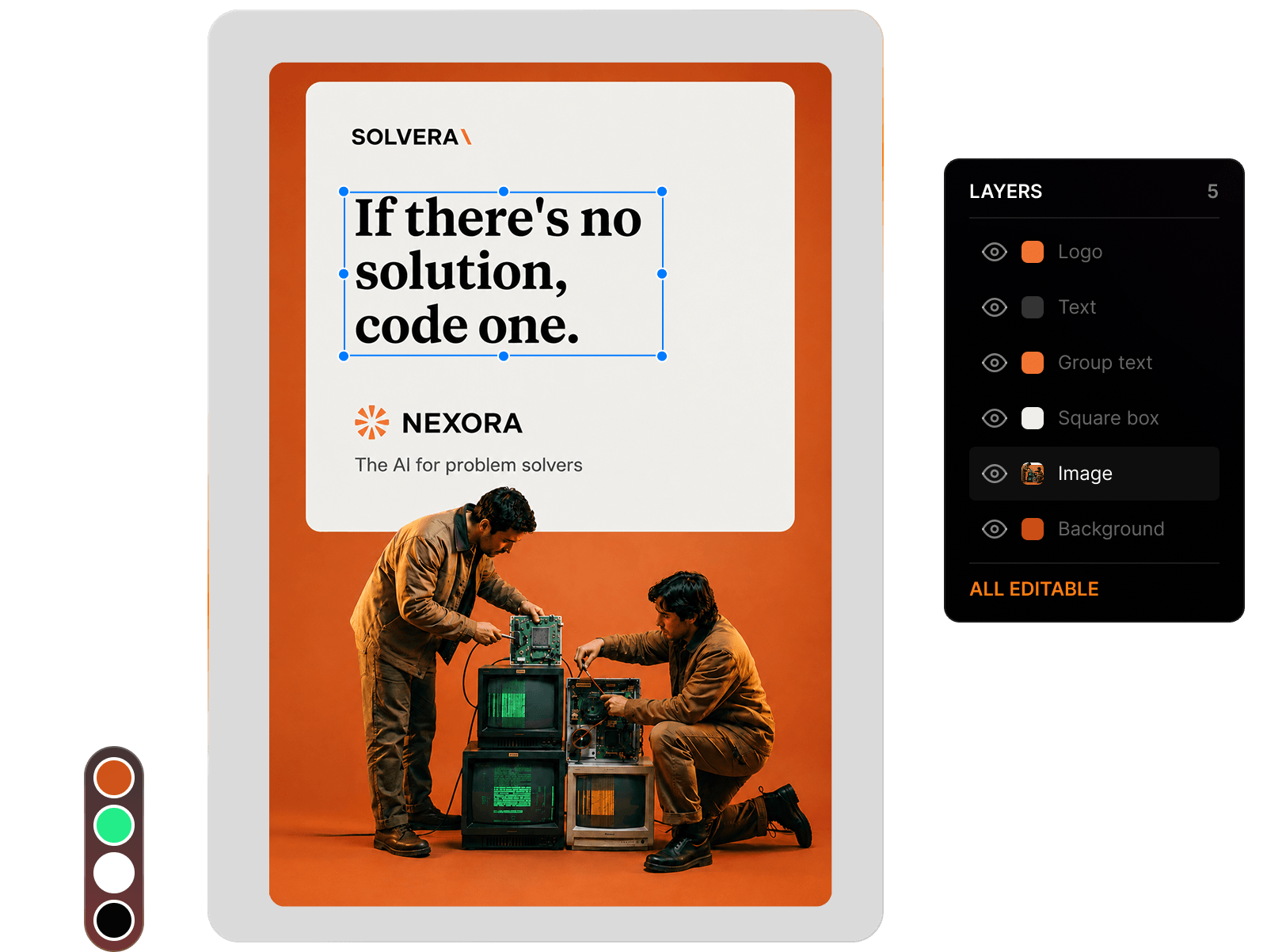





:quality(75))
:quality(75))