Cut corners with Background Removal
No more manually tracing around your photo subjects. Our powerful, time-saving, AI-powered tool does the hard part for you.
Photo cut-outs in a single tap
Our intelligent, AI-powered Background Removal Tool is designed to work with raster images. It instantly removes the background of any photo, so you don’t have to spend precious time tracing around your subject.
Add photos to your projects faster

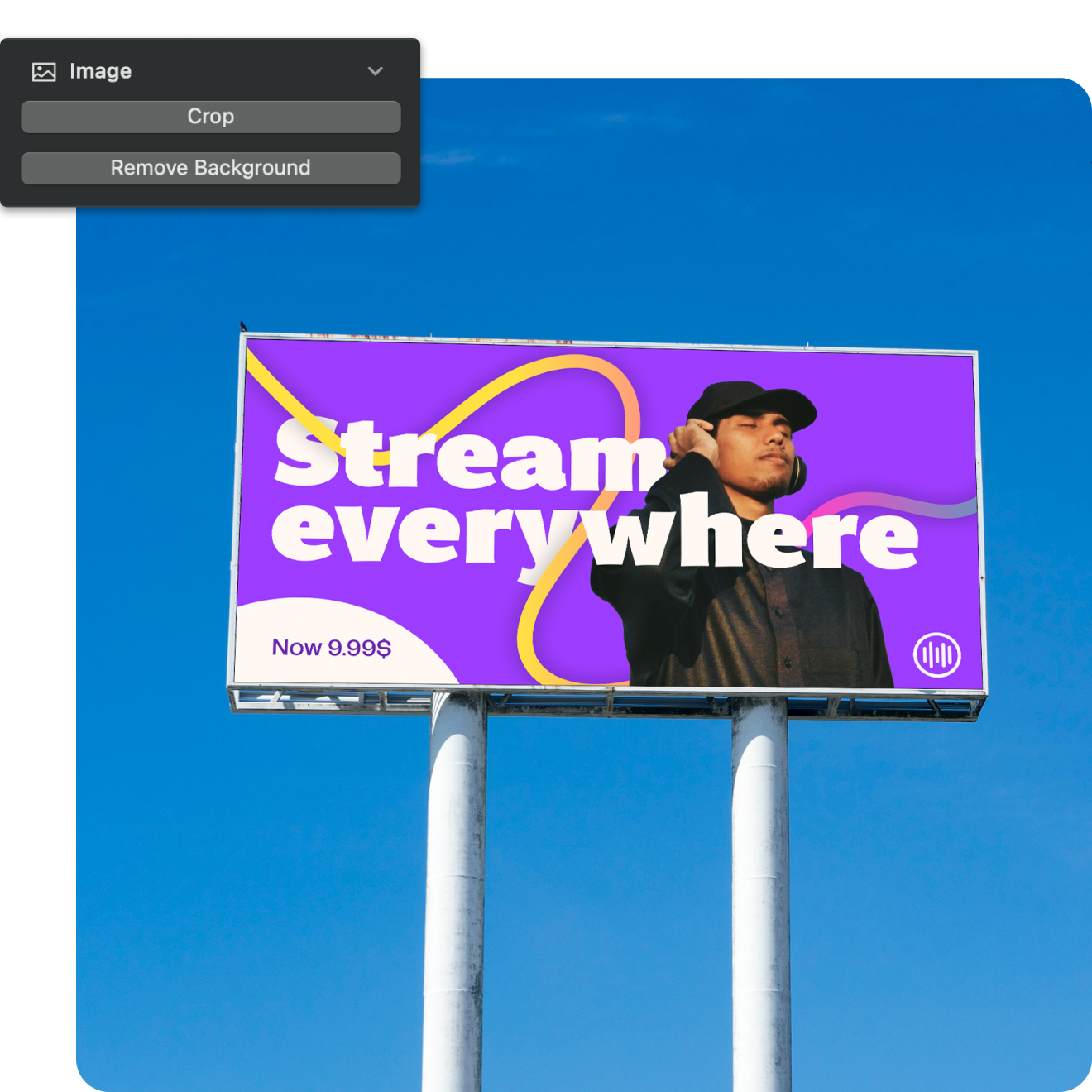

Photos are a powerful way to communicate ideas. But in today's fast-paced digital world, you’ve got to compete for attention. Our Background Removal Tool helps to enhance the impact of your photos and ensure they get noticed.
First, import any photo directly into Linearity Curve, or browse over 1 million royalty-free images thanks to our Unsplash integration.
Get the most out of Background Removal
Watch Asyel create an eye-catching Instagram post in minutes using the Background Removal feature.
Jumpstart your design workflow
Ready to explore Linearity Curve’s powerful tools and features?
Background Removal Tool vs other tools
Skip manual tracing and try the Background Removal Tool in Linearity Curve for automatic masking, separating subjects from any image with precision. This cutout feature ensures transparent backgrounds, eliminating the need for selective deletion.
Unlike other tools, our AI-based removal feature quickly isolates objects, making it a standout choice for graphic designers seeking automated extraction, transparent backgrounds, and efficient photo editing.
Features | Other tools | |
|---|---|---|
Automated extraction | ||
Consistently crisp cut-outs | ||
Time efficient | ||
User-friendly |
1 Million+ high-res images
Choose from a library of royalty-free photos.
4,000+ design templates
Launch your ideas faster with free, customizable templates.
80k+ royalty-free icons
Drop these vectors straight into your document.
Explore other Linearity Curve tools
Linearity Curve’s powerful suite of tools is ideal for designers of all levels. You can create user interfaces, social media posts, logos, lettering, and print designs, all in the same place. Then bring your designs to life by animating them in Linearity Move.
Frequently asked questions
A background remover is a revolutionary tool that empowers users to effortlessly eliminate unwanted backgrounds from images, now perfected by Linearity Curve.
With a simple click, both designers and novices can achieve outstanding results without the need for extensive design experience. Powered by cutting-edge AI algorithms, this tool excels in accurately isolating intricate elements such as fur, hair, and complex patterns, eliminating any manual fine-tuning. Separate easily irregular foreground shapes against complex backgrounds, and produce immaculate outlines that blend into new designs and pictures.
Streamline your creative process, tap into your imagination, and create professional-grade visuals with Linearity Curve's user-friendly and precise background removal AI feature.
There are different tools nowadays that allow you to remove the background of an image. In Linearity Curve (formerly Vectornator), you can do it with a simple tap of a button.
Step 1: Import a raster images from the Library Tab or by drag and drop into your canvas.
Step 2: As soon as you select the image into the document, the Background Removal Tool appears in the content-aware section of the Inspector. Now click Remove Background . The feature removes the background within seconds.
You can combine the isolated foreground image with vector illustrations or raster images to create new designs.
While there are several free background removal tools available, Linearity Curve's AI-powered background remover stands out as an exceptional choice.
The software showcases exceptional accuracy in isolating even the most intricate details like fur, hair, and complex patterns, eliminating the need for manual adjustments. Its ability to effortlessly separate irregular foreground shapes against complex backgrounds ensures sharp, clean outlines, unlocking endless creative possibilities for your designs. Make your creative process a breeze and achieve professional-quality results with Linearity Curve's intuitive and precise Background Removal AI-powered feature.
Linearity’s Background Removal Tool is similar to cutting out something on paper, but digitally. Its custom machine-learning algorithm detects the edges of the main subject in an image and separates it from the background, leaving the background transparent. The result is a crisp photo cut-out that’s ready to use in any design.
Yes, you can. Linearity Curve's (formerly Vectornator) Background Removal tool makes it easy. You can search for the perfect image in Linearity Curve's Unsplash library or drag and drop one from your device.
Select the image and click on the Remove Background button in the Image Section of the Inspector. Even complex backgrounds are frictionlessly removed. This gives you a transparent background and a clear-cut foreground subject to work with.
In Adobe Illustrator, there's no easy way to remove image backgrounds. You have to use the Pen tool to make a path and apply a clipping mask. Or you can try using the Magic Wand tool to make a selection and delete it.
In Linearity Curve, this action is a simple click of a button.
Join the Linearity Community





:quality(75))