

How Linearity and Figma work together
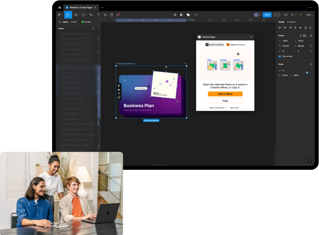
For Figma users, Linearity is the ideal companion design software, enabling teams to transform static assets with dynamic animations.
Linearity takes your Figma designs to the next level
Easily export, refine, and animate your design assets with our Figma plugin on Mac or iPad.

Figma and Linearity: different tools, better together

Revolutionize asset creation
Say goodbye to slow processes and design obstacles. Linearity software is easy to learn and powerful enough to keep up with your ideas.
Smooth integration
Design 30% faster
Animate instantly
Design in Figma. Animate in Move
Captivate, communicate, convert
Figma and Linearity: different tools, better together

Features to make your content stand out
Linearity Move is built to make animation accessible to everyone. Join other professionals in discovering its game-changing potential.
Figma plugin

Pinning
Presets
Why animate in Linearity Move over Figma?
Linearity Move is simple, yet powerful. No need to be a pro—Just jump in and start moving!
Enjoy an intuitive interface and advanced animation features that empower you to create dynamic and engaging user experiences, social media assets, and more.
Features | Figma | |
|---|---|---|
Cloud storage | ||
Animation presets | ||
Auto Animate | ||
Canvas animation | ||
Morphing | ||
Pinning | ||
Animation timeline | ||
Animation templates | ||
Transparent backgrounds | ||
8K exports | ||
Gif export | ||
Real-time collaboration |
Upgrade your static assets

From sketch to vectors in a tap
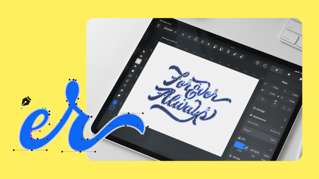
A superior Pen Tool
Why design in Linearity Curve over Figma?
Linearity Curve is the fastest and easiest design tool on the market. Our precision-perfect tools empower you to level up your design workflow and turn static designs into jaw-dropping marketing assets.
Features | Figma | |
|---|---|---|
Cloud storage | ||
Pen Tool | ||
Shape Tool | ||
AI Backgrounds | ||
Brush Tool | ||
Free design templates | ||
Auto Trace | ||
Shape Builder | ||
Background removal | ||
3m+ free images | ||
80k+ free icons |




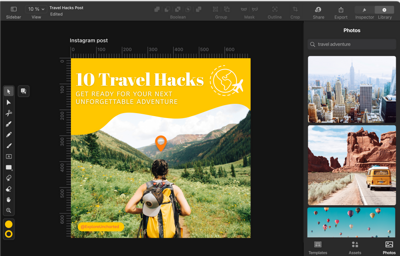
Integrated Library
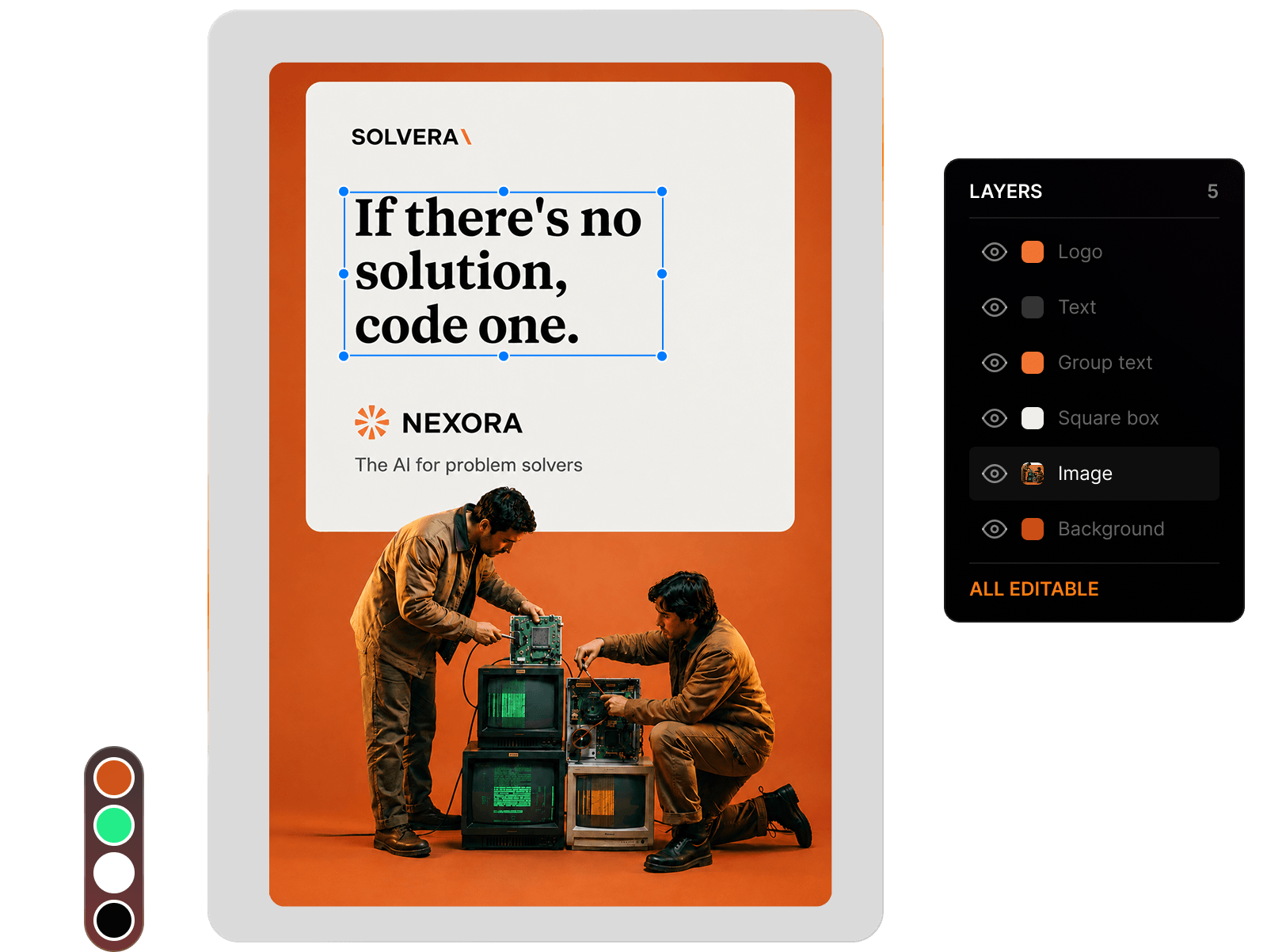
Asset Tab
Templates
Library of over 80k free integrated assets
With Linearity Curve, you can access over 80k royalty-free icons and Apple SF Symbols to use in your designs. Plus, your team can even use our in-app Unsplash integration to import royalty-free images directly in the software.




:quality(75))
:quality(75))
Frequently-asked questions
Linearity not only competes on pricing but elevates your investment with a feature-rich suite. It's a cost-effective solution that doesn't compromise on the tools you need to bring your ideas to life.
Figma charges more per month for its professional tier than we do at Linearity. Plus, you get two tools for the price of one when you sign up for a Linearity account. All pricing tiers include both Linearity Curve and Linearity Move.
Upgrade to Linearity Pro for just $11.99 per month, or save even more on our yearly plan.
Figma has four pricing levels: the free Starter plan, as well as Professional, Organization, and Enterprise levels. No matter what tier you choose, you can use Figma to create an unlimited number of commercial and personal projects, including using their prototyping functionality to work on design mockups and content-aware layouts for websites and apps.
Figma all-in-one platform equipped for UX and UI designers, graphic designers, and interaction designers.
Each powerful feature is vector-based, making it a great prototyping tool for UX design. Vector based program allows you to build interactive prototypes for your app designs and websites, no matter what design project you're working on as a user experience designer or user interface designer.
Depending on your needs, many design programs and collaboration tools can be expensive. However, if you're on a tight budget, there are other powerful tools that are free to use. One fantastic Figma alternative is Linearity Curve—our software is free to use on any iOS device! When using mobile devices, such as iPhone and iPad, users will benefit from our touch-friendly key features.
The desktop version of Curve provides a great user experience for those working with a drawing tablet, or a keyboard and mouse.
Linearity Move distinguishes itself from other animation tools through its emphasis on empowering both entry-level animators and seasoned professionals to create amazing animations with ease. The software's modern animation features enable users to produce smooth movements and captivating motion graphics effortlessly.
Linearity Move stands out for its user-friendly interface, making it accessible for beginners while catering to the diverse needs of animation clients. Its advanced capabilities provide a seamless platform for animated projects, setting it apart in the realm of animation software. Whether you're a novice or an expert, Linearity Move delivers a unique blend of simplicity and sophistication to elevate your animation experience and bring your creative vision to life.
Absolutely! Linearity Move provides you with the capability to incorporate simple animations into buttons and icons using animation presets. Additionally, you have the flexibility to craft more intricate animations by manipulating and scaling UI elements directly on your canvas. Furthermore, you can fine-tune all animation properties to achieve the desired effects.
With a brief learning curve, Linearity products enable designers of all levels to swiftly begin their creative journey. For those seeking to enhance their skills, our Linearity Academy offers video tutorials, and the user guide provides additional guidance.