

Is there a better Jitter alternative?
Discover why creative professionals are choosing Linearity Move over Jitter.
Animate anything in minutes
Linearity Move is revolutionizing the industry by democratizing animation, making it accessible to beginners and seasoned animators alike.
A more powerful alternative to Jitter
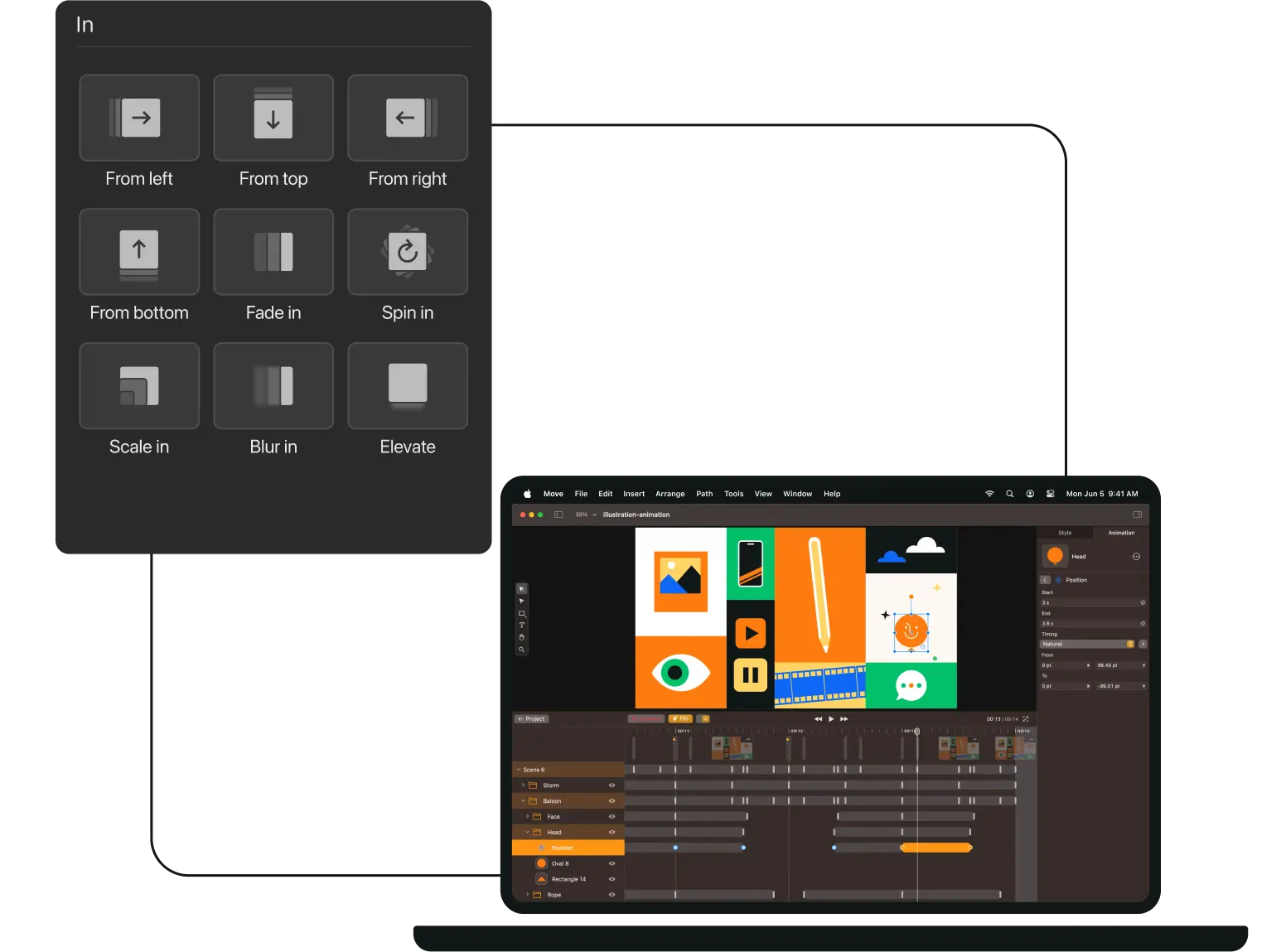
Animate in a few clicks
Easily Import Existing Designs
Why choose Linearity Move over Jitter?
Jitter is a simple, browser-based tool that helps you animate UI and marketing content fast. But when you need more control, quality and speed, Linearity Move is the clear step up.
Linearity Move gives you professional animation tools, perfect for animating a logo, building out product scenes or crafting high-fidelity motion for social content.
Unlike browser-based tools like Jitter, Linearity Move runs natively on Apple devices, so you get faster exports, no lagging, high-resolution playback in real-time. Linearity Move gives you a smooth, precise animation experience from start to finish.
Features | Jitter | |
|---|---|---|
Web-based tool | ||
Native performance | ||
Precise keyframe editing | ||
MP4 / MOV / GIF exports | ||
Vector-first functionality | ||
Design and animate in one space | ||
Offline access | ||
Shared workspaces | ||
Apple Pencil support (iPad) | ||
4K and high-frame-rate support |

Why Move is better
Dynamic design in motion
Introducing the Linearity design suite, a groundbreaking design and animation toolkit for graphic artists, illustrators, and social media content creators. Intuitive Motion Design for iPad & Mac
Design and Animate Mode

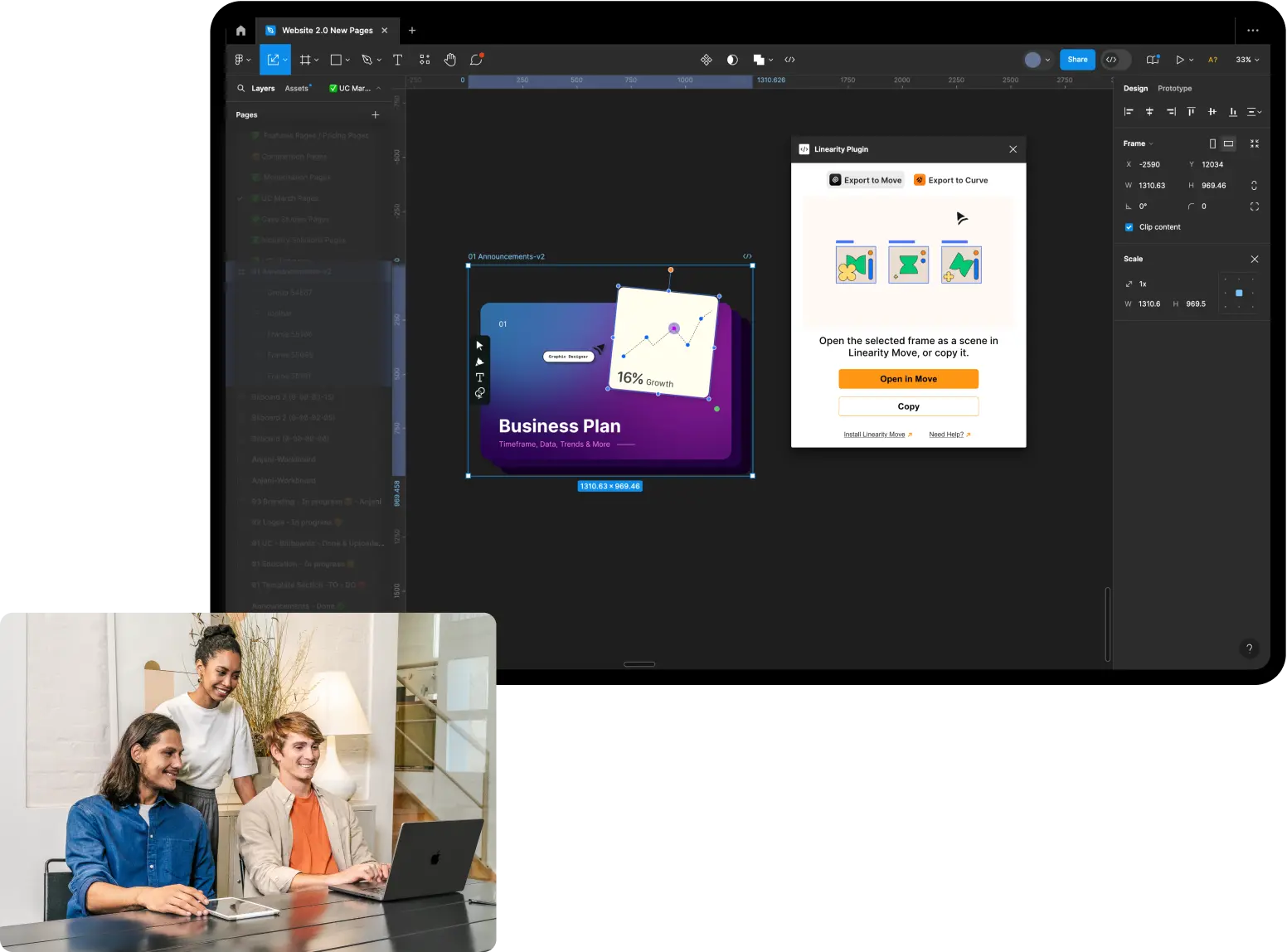
Figma Plugin
Presets
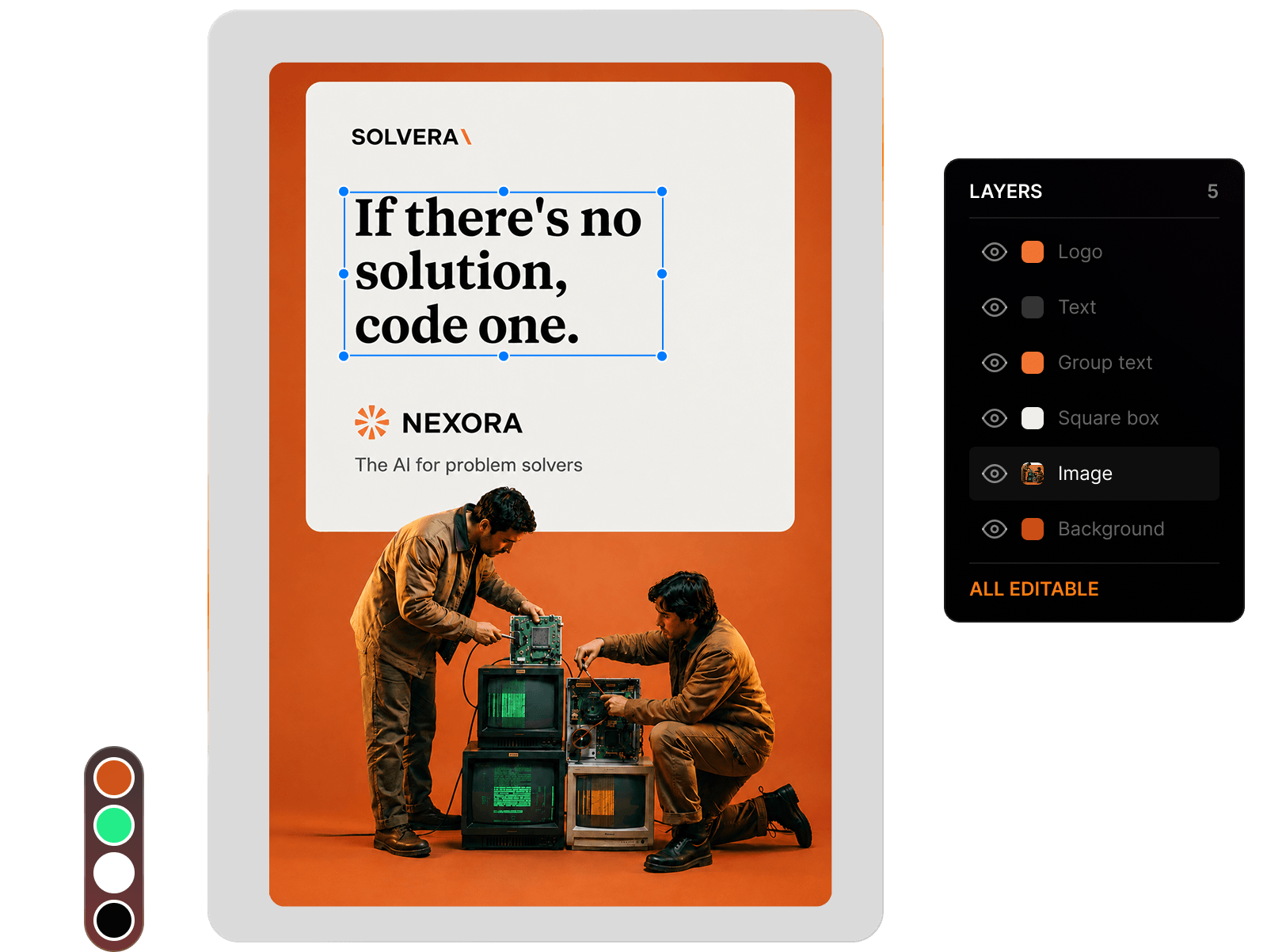
Flawless animations every time


What people are saying about Linearity Move...
Auto-animate has been great. Now we can take design assets and animate them in minutes.



Frequently-asked questions
Jitter is a web-based platform, so while it can technically run in a browser on mobile, the experience is not optimized for iPad or iPhone. Performance and usability may be limited on touch devices.
Linearity Move is fully optimized for iPad and iPhone, with native app performance, Apple Pencil support, and seamless integration across devices, allowing you to animate on the go without compromise.
While Jitter is a great entry-level tool, its browser-based nature can lead to performance bottlenecks, especially with complex animations or longer scenes. Export options are limited, and the lack of native app integration means slower rendering and fewer customization capabilities.
Linearity Move eliminates these issues by running natively on Apple devices, offering smooth playback, precise timeline control, and higher-quality exports.
Jitter does offer a free plan, but it comes with limitations on features and export quality.
In contrast, Linearity Move’s free plan includes up to 10 files and allows you to export in all supported formats, including MP4, MOV, and GIF—with no compromise on quality or performance.
For creatives who want to deliver high-quality motion content right from the start, Move’s free plan offers more value and flexibility out of the box.
Choosing the right Jitter alternative depends on your animation needs and creative workflow.
While Jitter is browser-based and simple to use, it can fall short when it comes to performance, precise control, and high-resolution output.
If you need native app speed, advanced keyframe editing, and support for professional-grade export formats (MP4, MOV, GIF), Linearity Move stands out. It offers the best of both worlds: a streamlined interface for fast results, and precision tools for complex animations. It also supports collaborative workflows, which is a growing need for design teams and agencies.
Yes! Linearity Move offers full, frame-accurate keyframe editing, giving you precise control over every element in your animation timeline.
Unlike tools like Jitter, which are built around simplified transitions with limited manual control, Move lets you fine-tune animations by adjusting position, scale, rotation, opacity, and more at exact keyframe intervals. This means you can create detailed motion sequences, sync perfectly with music or voiceovers, and craft polished animations that behave exactly how you envision.
Whether you’re refining subtle micro-interactions or designing bold motion graphics, Move provides the timeline precision professionals need—with a visual interface that’s still intuitive for beginners.






:quality(75))
:quality(75))