AI image upscaler built into your design tool
Super Resolution uses machine learning to scale up low-resolution images directly in Linearity Curve. sharper results in seconds, without leaving the app.

Sharper photos in seconds
Super resolution is an AI and machine learning technique that increases the resolution of an image beyond its original size, reconstructing fine detail that was lost or was never captured at the original resolution. Unlike traditional upscaling, which simply stretches pixels and creates blur, Linearity Curve Super Resolution uses a trained model to predict and fill in realistic detail. The result is a sharper, cleaner image at a larger size, directly inside your design workflow.
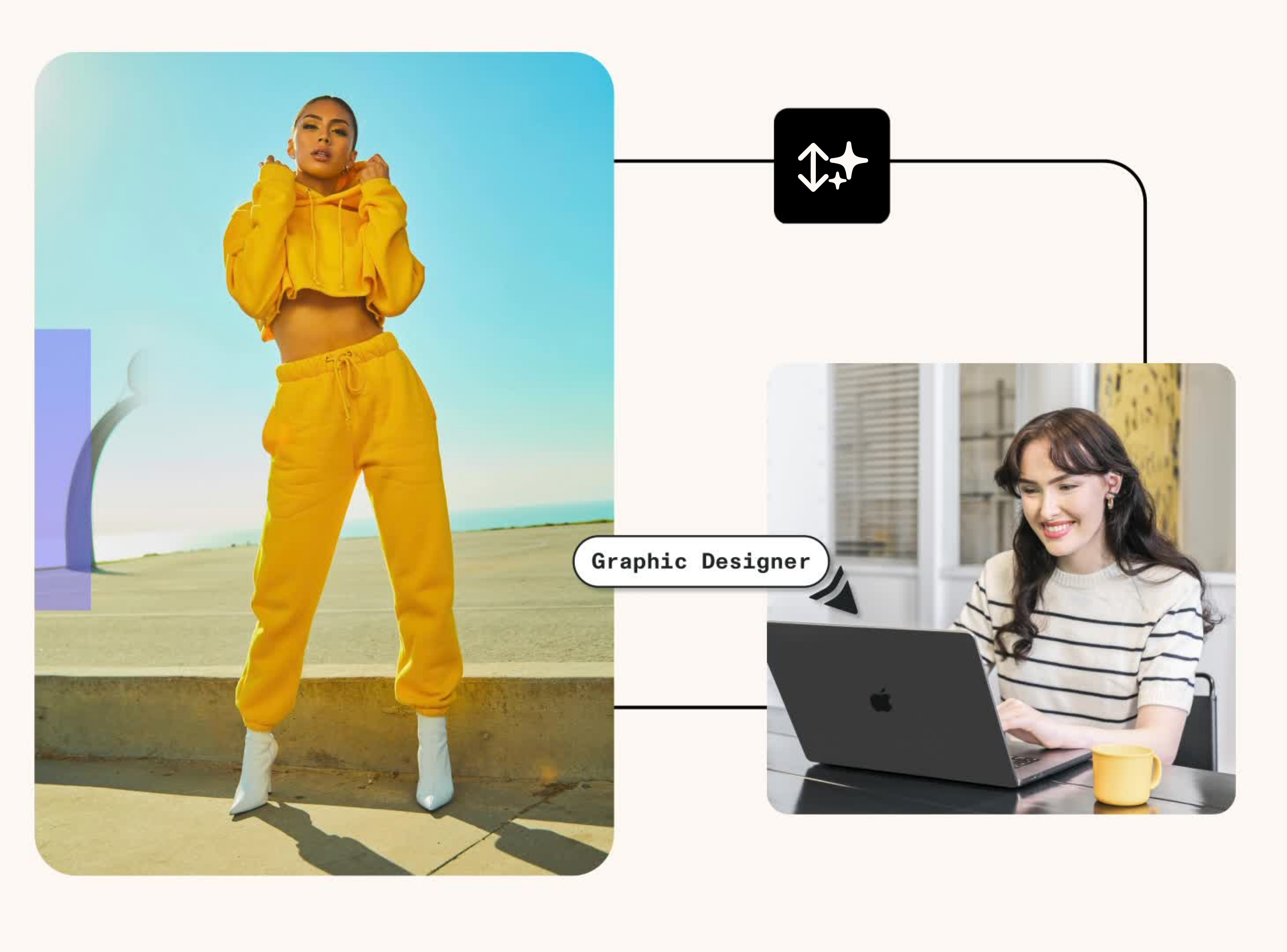
Keep working — don't stop to fix images
You find the right image, but it's just a bit too small. Until now that usually meant replacing it, working around it, or fixing it in a separate tool. With Super Resolution, you upscale it and keep going. No switching apps, no extra steps.
It's especially useful when:
- An image doesn't quite match your layout size
- You're reusing older or lower-resolution assets
- You need a quick quality boost before export

One step. Done.
Select your image in Linearity Curve, apply Super Resolution, and the upscaled result is ready immediately. Machine learning handles the reconstruction — sharpening edges, recovering texture, and preserving the image's defining characteristics without stretching or distorting the original.
Linearity Curve's Super Resolution works as a built-in image upscaler and image enhancer — handling both the resolution increase and the detail reconstruction in a single step. Unlike standalone upscaling tools, the result sits immediately in your layer stack, ready to use.
- Upscale images to higher resolutions with a single tap
- AI preserves edges, textures, and fine detail during upscaling
No external tools required
Super Resolution is built directly into Linearity Curve. There’s no need to export to a separate upscaling service, wait for a web tool to process the file, and re-import. The whole workflow stays in one place.
- Works on any raster image in your Linearity Curve document
- Available on Mac and iPad
- Upscaled images work seamlessly with all other Curve tools: masks, Background Removal, Magic Eraser, and more
Explore other Linearity tools
Linearity's powerful suite of tools is ideal for designers and animators of all levels.
Magic Eraser
Remove unwanted elements and seamlessly fill the erased area.
Background Removal
Remove photo backgrounds with the tap of a button.
Pen Tool
Define precise vector points and create custom paths with Bèzier curves.
Brush Tool
Freely draw editable vector paths.
Shape Builder
Quickly sculpt complex designs from multiple shapes
AI Grab
Instantly extract any element from a photo.

App Store Awards Finalist

G2 Top 50 Design Products

App Store Reviews

Over 6 Million Designs Created

Capterra Reviews
:quality(75))
:quality(75))
:quality(75))
:quality(75))
Hit the ground running with animated and static templates
No learning curve here. Choose between 3k+ free templates designed to supercharge your creative process.















Frequently-asked questions
Super resolution is an AI and machine learning technique that increases the resolution of an image beyond its original size — reconstructing fine detail that was lost or never captured at the original resolution. Unlike traditional upscaling, which simply stretches pixels and creates blur, super resolution uses a trained model to predict and fill in realistic detail. The result is a sharper, cleaner image at a larger size.
Select any raster image in your Linearity Curve document and apply Super Resolution from the image editing panel. The machine learning model analyses the image and generates a higher-resolution version with reconstructed detail. The upscaled image replaces the original in your layer stack — ready to use immediately without any export or re-import step.
Both use machine learning to upscale images beyond their original resolution. The key difference is workflow: Photoshop Super Resolution requires processing the image in Camera Raw before bringing it into your design. Linearity Curve's Super Resolution is applied directly inside your design document in one step, no switching between tools or modules.
Lightroom Super Resolution is designed for RAW photo files in a photography editing workflow. Linearity Curve's Super Resolution works on any raster image, JPEG, PNG, TIFF, HEIC, inside a vector design document. It's built for designers working on layouts, illustrations, and marketing assets, not photographers managing photo libraries.
Yes. Super Resolution works alongside Background Removal, Magic Eraser, and AI Backgrounds. A common workflow: upscale a low-resolution image with Super Resolution, remove the background, then clean up remaining details with Magic Eraser, all without leaving Linearity Curve.
Yes, Super Resolution is available in Linearity Curve on both Mac and iPad. The same AI-powered upscaling applies on both platforms.
Super Resolution is available in Linearity Curve. Check current pricing for details on which plan includes the feature.
:quality(75))