Transform your photos instantly
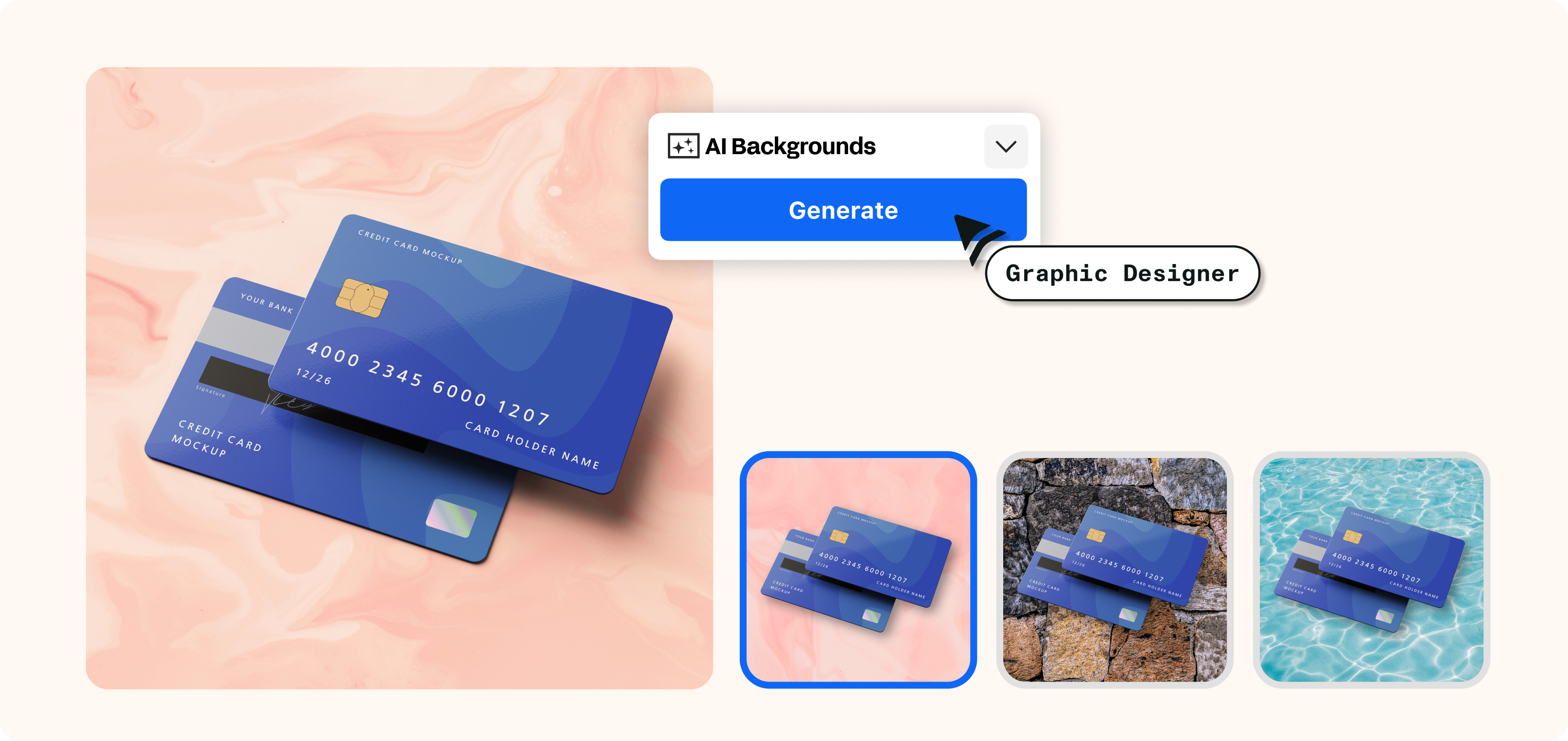
Our powerful AI Backgrounds feature uses advanced generative AI to seamlessly integrate fully customized backgrounds into your existing photos. Say goodbye to on-location photoshoots and hefty budgets—simply type your idea or select a theme.
Seamless realism
Our generative AI carefully analyzes your photo's context, including factors like position, lighting, shadows, and reflections. This attention to detail guarantees that the newly created background seamlessly blends with the foreground, producing a striking and unified final image that looks like it was taken in real life.

Endless creative possibilities
Linearity Curve offers a diverse library of background categories, featuring everything from serene beach scenes to dynamic urban environments, along with an array of textures and patterns.
Alternatively, you can generate your own unique background using a written prompt or reference image for a fully personalized results.
Our AI technology seamlessly interprets your inputted information to craft a background that aligns perfectly with your vision.
- Choose to place your subject in one of our default scenes
- Or generate your own unique background using a prompt
Freeform Freedom
Need to expand your background beyond the original photo's size? Simply position the selection box over any part of the photo and adjust it to your desired dimensions.
- Effortlessly define the aspect ratio and size of your AI-generated background.

Branding made easy
By giving you the tools to easily create stunning visuals with custom backgrounds, we help boost your marketing game and make your brand stand out.
This feature doesn't just amp up your creativity; it also makes designing a breeze.
You'll see pro-level results with just a few clicks, making your workflow smoother and saving you time.

Explore other Linearity tools
Linearity's powerful suite of tools is ideal for designers and animators of all levels.
Auto Animate
Turn your illustrations into moving images in seconds.
Background Removal
Remove photo backgrounds with the tap of a button.
Pen Tool
Define precise vector points and create custom paths with Bèzier curves.
Brush Tool
Freely draw editable vector paths.
Shape Builder
Quickly sculpt complex designs from multiple shapes
Design and Animate mode
Seamlessly toggle between designing and animating.

App Store Awards Finalist

G2 top 50 design products

App Store Reviews

Over 6 Million Designs Created

Capterra Reviews
:quality(75))
:quality(75))
:quality(75))
:quality(75))
Hit the ground running with animated and static templates
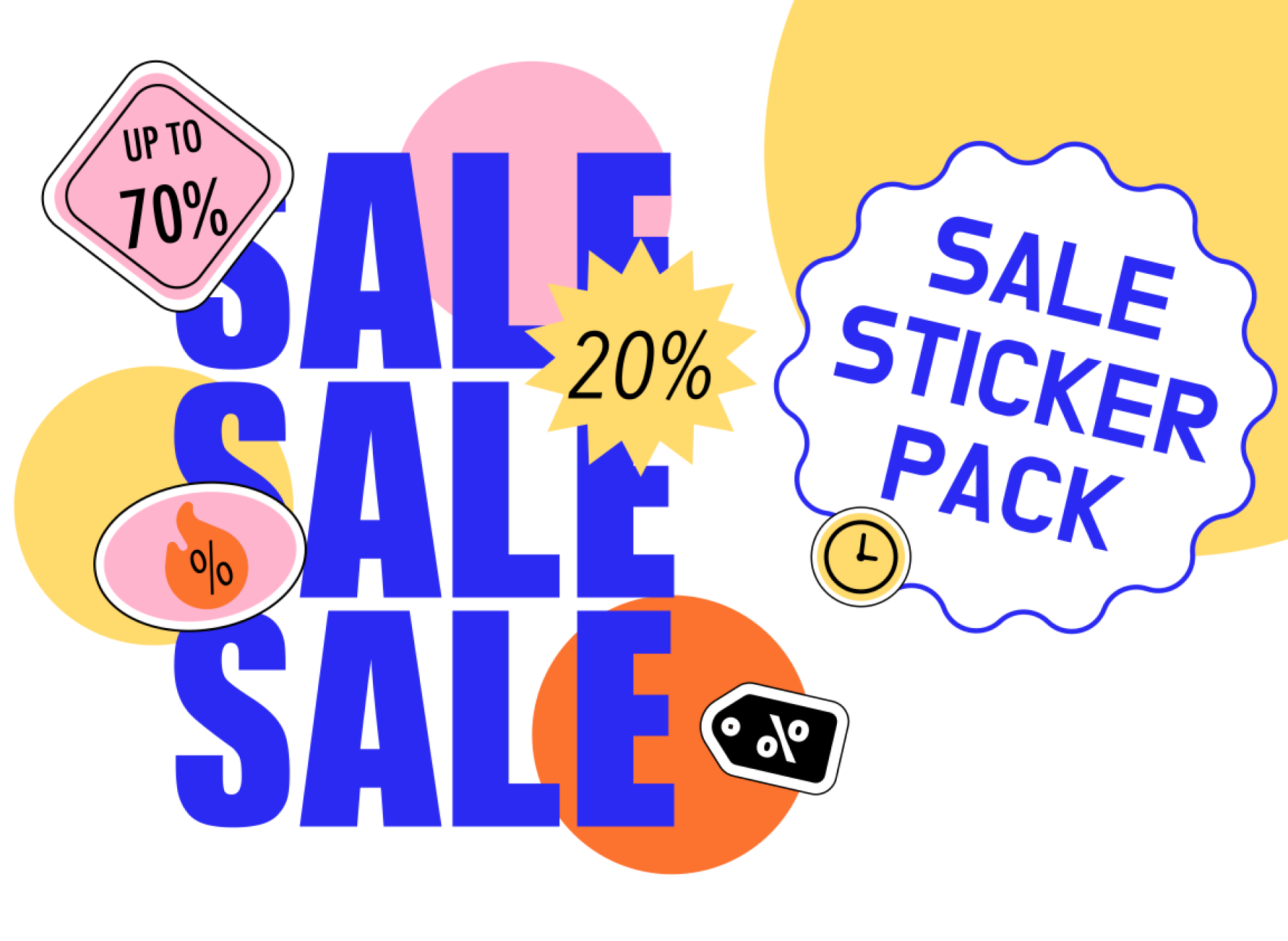
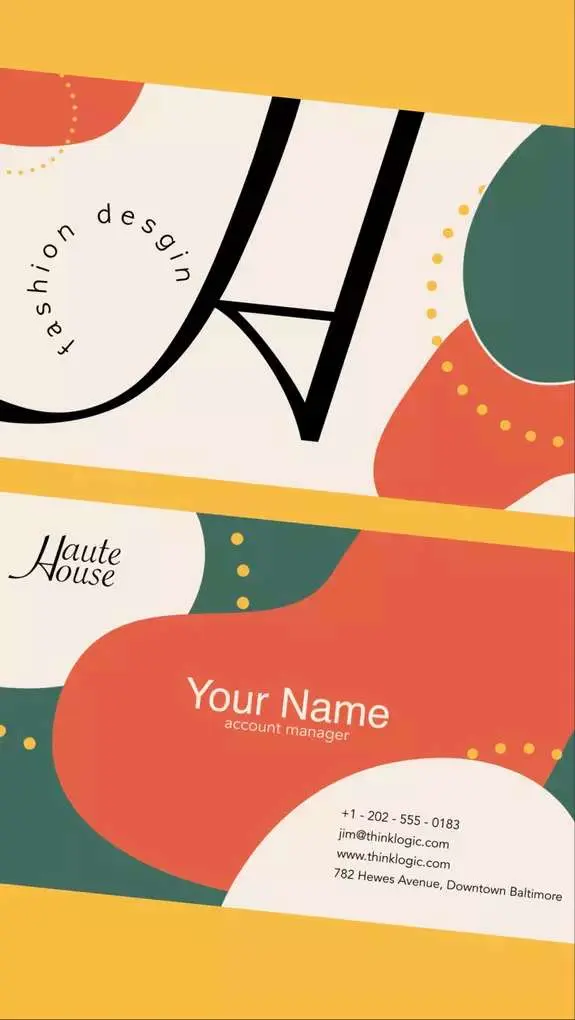
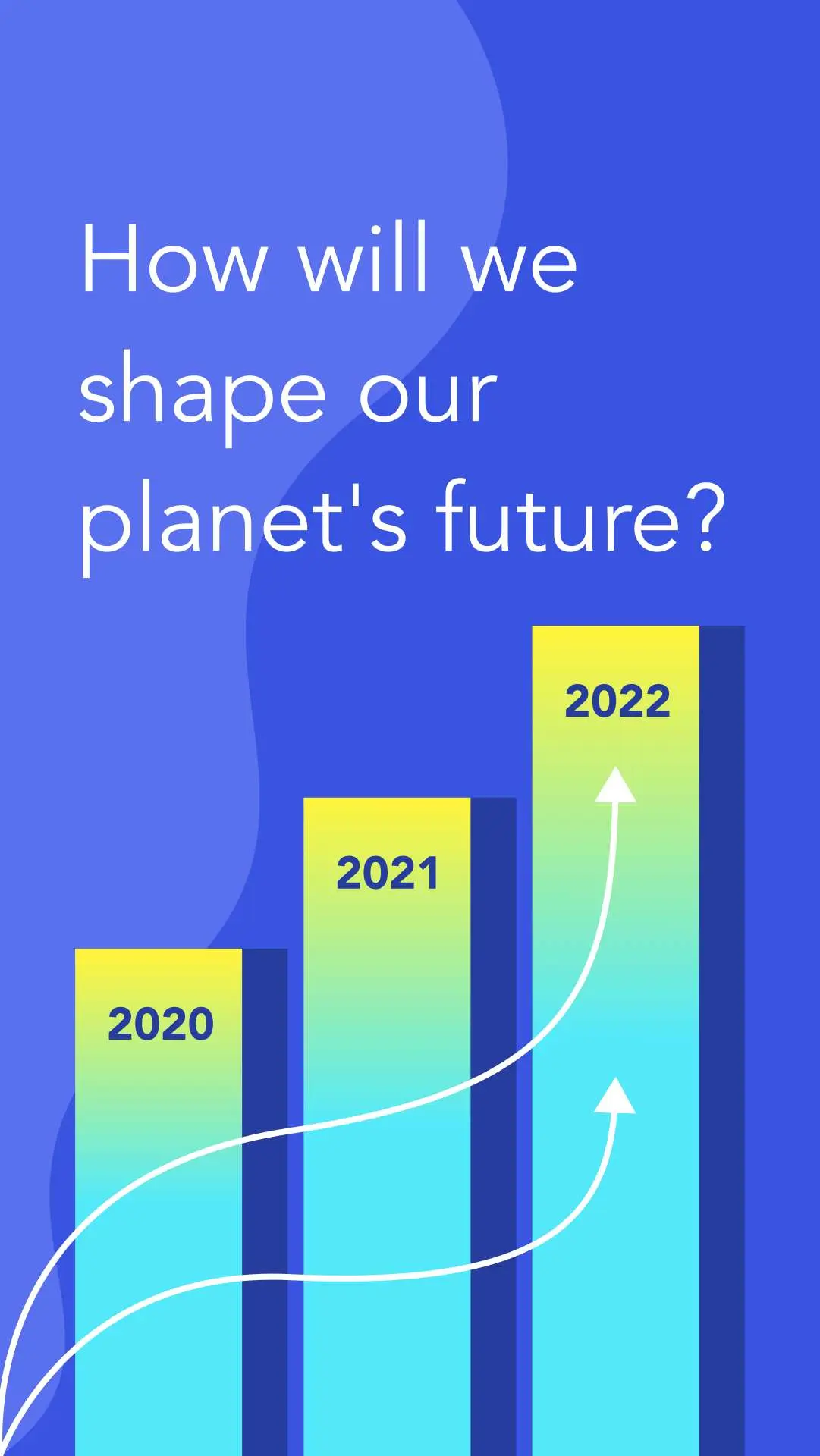
No learning curve here. Choose between 3k+ free templates designed to supercharge your creative process.












Frequently-asked questions
Yes, you can. Linearity Curve's (formerly Vectornator) Background Removal tool makes it easy. You can search for the perfect image in Linearity Curve's Unsplash library or drag and drop one from your device.
Select the image and click on the Remove Background button in the Image Section of the Inspector. Even complex backgrounds are frictionlessly removed. This gives you a transparent background and a clear-cut foreground subject to work with.
In Adobe Illustrator, there's no easy way to remove image backgrounds. You have to use the Pen tool to make a path and apply a clipping mask. Or you can try using the Magic Wand tool to make a selection and delete it.
In Linearity Curve, this action is a simple click of a button.
No, your work remains exclusively yours.
We do not use any of your files for AI training unless you explicitly opt-in within the application. The only way to opt-in is by using the Auto Trace, Background Removal, or AI Backgrounds feature and then interacting with the feedback modal displayed afterwards. If you haven't seen this alert and haven't interacted with it, you can be confident that we are not using your files for training.
Linearity’s Background Removal Tool is similar to cutting out something on paper, but digitally. Its custom machine-learning algorithm detects the edges of the main subject in an image and separates it from the background, leaving the background transparent. The result is a crisp photo cut-out that’s ready to use in any design.
Yes, you can create photo cut-outs of your subject with the AI-powered Background Removal Tool. It instantly removed the background from images, eliminating the need for manual editing.
:quality(75))