Revolutionize team collaboration with Workspaces
Create projects, share files, and collaborate with fellow designers.
Your productivity playground
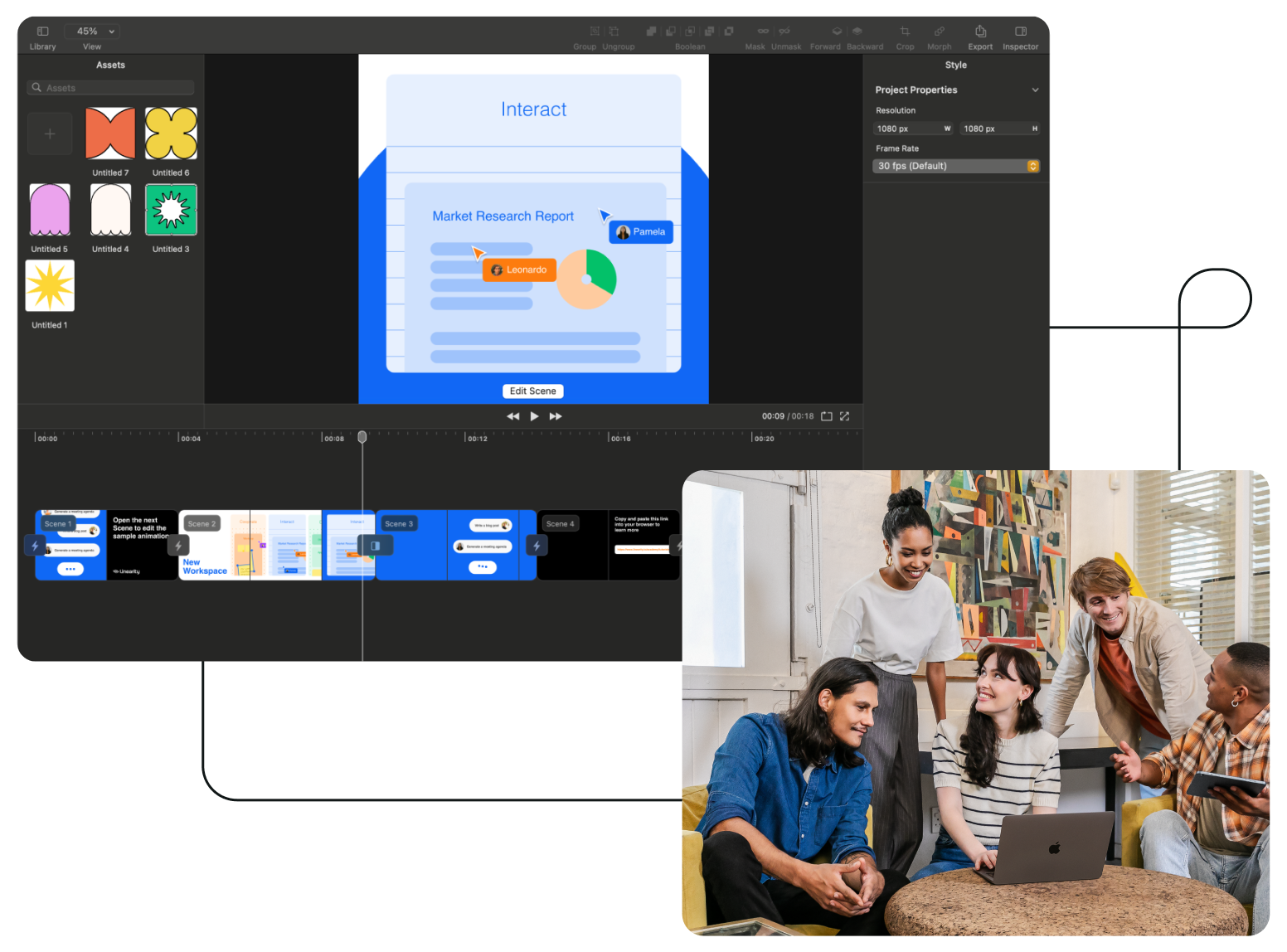
Every designer with a Linearity account is the owner of their own private Workspace. Here, you can create projects and invite other designers to collaborate.
Team dynamics
As a Workspace owner, you hold the reins to create, delete, and rename projects. Seamlessly integrate other Linearity users into your projects by inviting them.
Project members are empowered to extend invitations to colleagues or friends, fostering a culture of inclusivity and growth within your collaborative ecosystem.
As a project member, you have the privilege to view and edit files. However, the authority to delete files lies solely with the original Workspace owner.

No one gets left out
Workspace owners and project members alike have the flexibility to invite individuals who aren't yet on Linearity.
- Send an invite to anyone using their email address.
- They'll get an email prompt, inviting them to join your project.
- Once signed up, they become part of the project.

Files and folders
Once you're part of a project in Linearity, you can start creating files and folders. You also have the option to create new projects, allowing you to manage files and folders within them.
Projects in the Workspace function autonomously, ensuring that membership in one project does not extend access to files and folders in others. Your view is restricted to files within the project or projects you're a part of.

Explore other Linearity tools
Linearity powerful suite of tools is ideal for designers and animators of all levels.
Auto Animate
Turn your illustrations into moving images in seconds.
Background Removal
Remove photo backgrounds with the tap of a button.
Pen Tool
Define precise vector points and create custom paths with Bèzier curves.
Brush Tool
Freely draw editable vector paths.
Shape Builder
Quickly sculpt complex designs from multiple shapes
Design and Animate mode
Seamlessly toggle between designing and animating.

App Store Awards Finalist

G2 top 50 design producta

App Store Reviews

Over 6 Million Designs Created

Capterra Reviews
:quality(75))
:quality(75))
:quality(75))
:quality(75))
Hit the ground running with animated and static templates
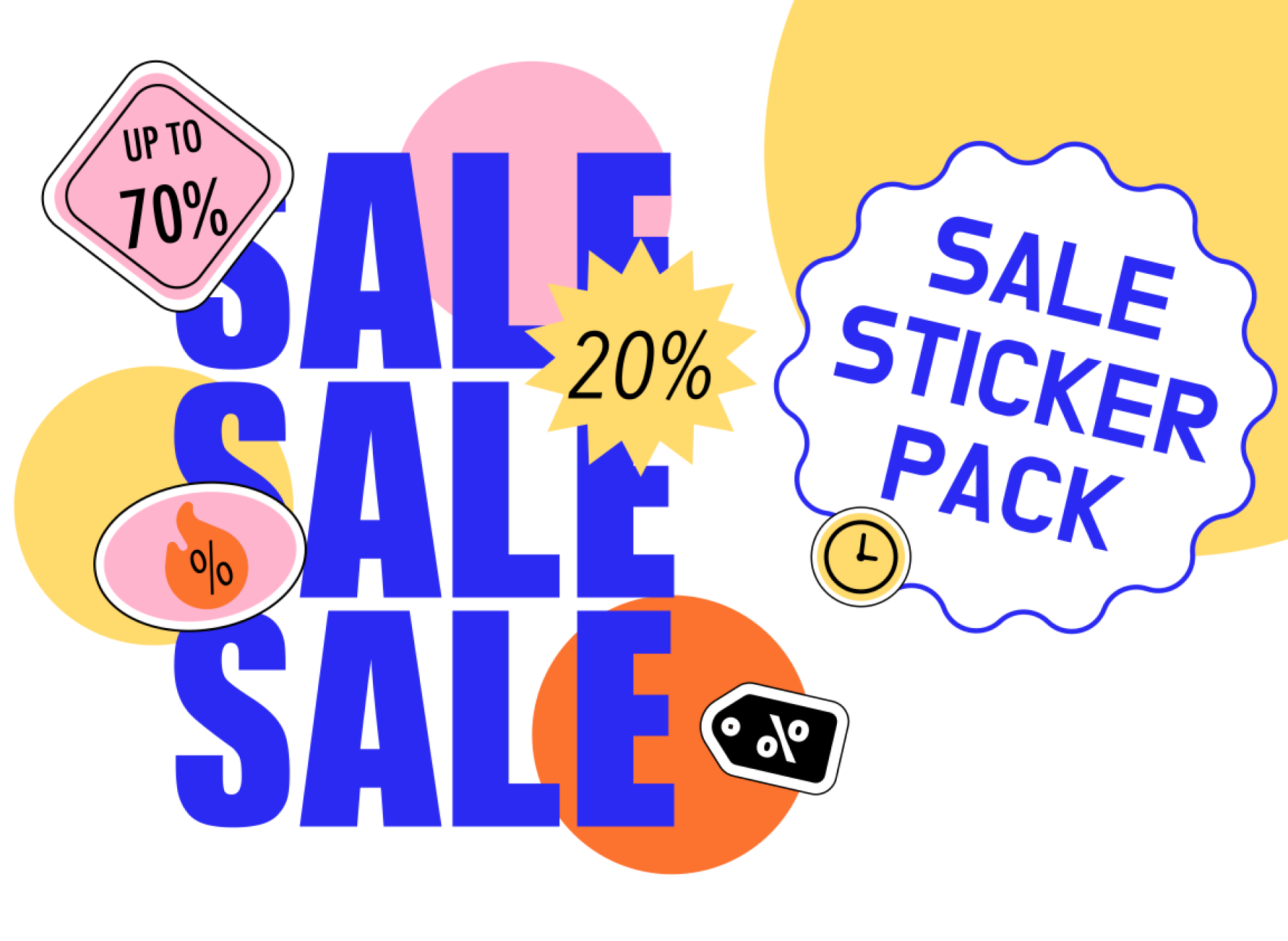
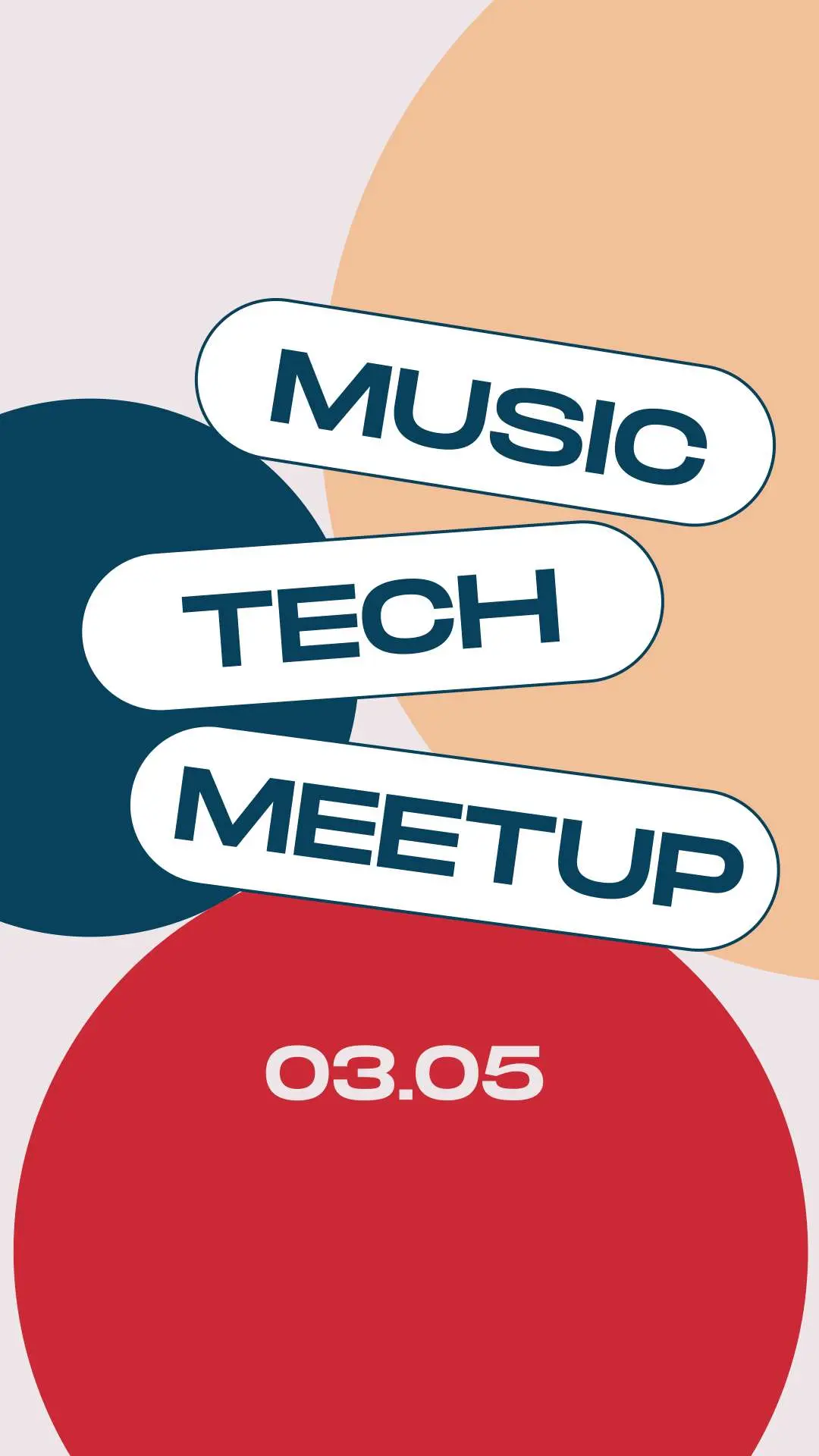
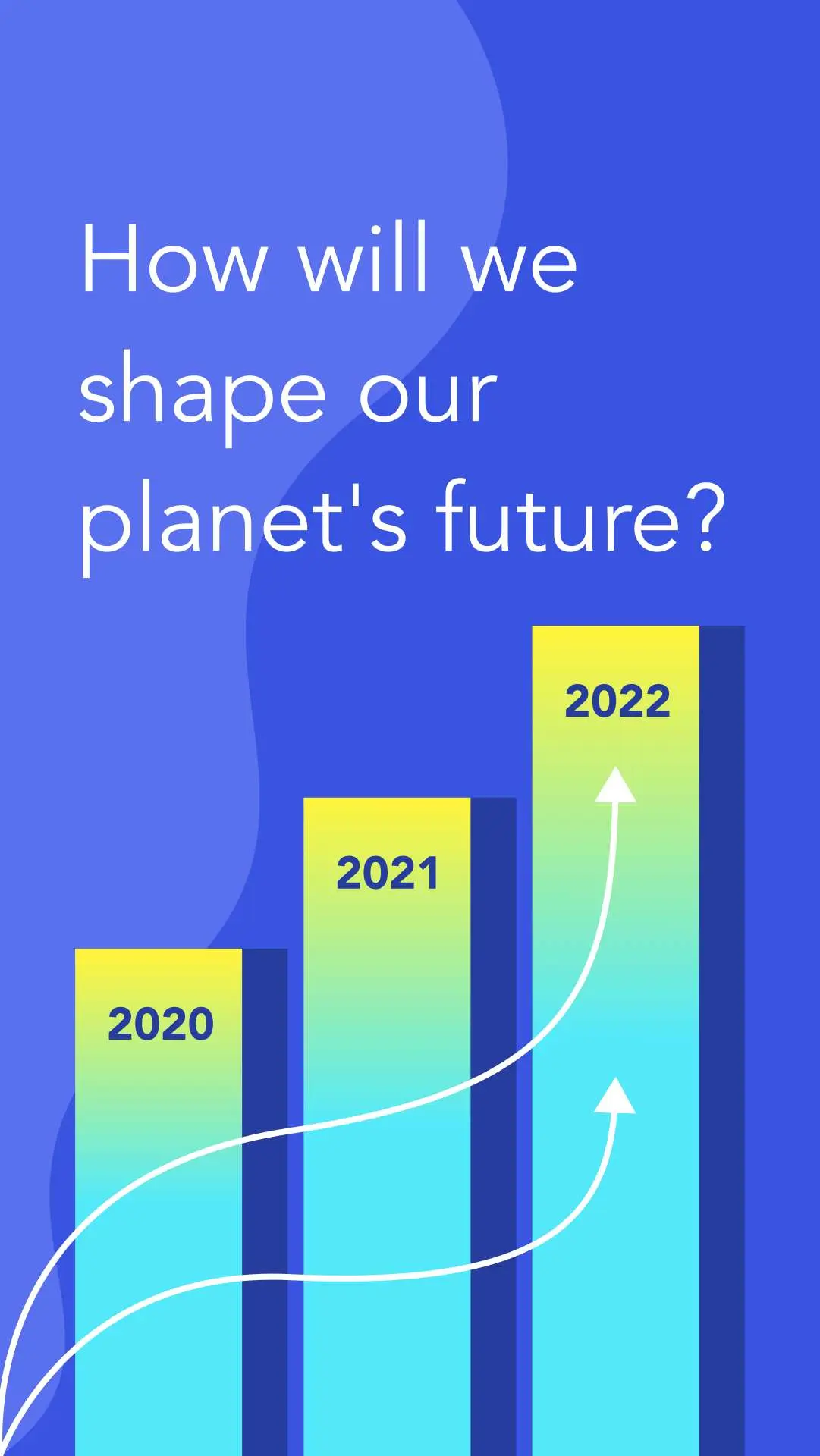
No learning curve here. Choose between 3k+ free templates designed to supercharge your creative process.












Frequently-asked questions
The 2-in-1 subscription model allows complete access to both Linearity Curve and Move. Even on the free plan, your team can use both tools to design and animate. If you need enhanced features like team collaboration, more storage space with Linearity Cloud, or higher resolution exports, you can choose a paid plan to suit your team's needs.
When you make edits to a file, those changes are seamlessly synced, allowing everyone on your project to view the updated file. However, as real-time collaboration is not yet supported, simultaneous edits by multiple users may result in conflicts. In such cases, the system will automatically create a duplicate file to resolve the conflict.
Both workspace owners and existing project members can invite new members to join a project.
Existing Linearity users can join instantly, while new users can sign up through email invitations.
Creating a new project in your workspace is easy. Simply navigate to the left side of the screen, where all your teams are listed. Click on "New Project" to start a new one, rename it as desired, and begin inviting fellow designers.
Linearity excels as a team collaboration tool, simplifying file sharing and teamwork for creative teams. Each user with a Linearity account has their own workspace, where they can create and organize projects and invite collaborators effortlessly. This streamlined approach enhances productivity and fosters a collaborative environment for in-house and remote teams.
Linearity enables remote teams to collaborate effectively without needing to be in the same physical location. Designers can form projects within their virtual workspaces, allowing them to share files seamlessly. Each project member can create new files and collaborate on existing ones, regardless of where they are.
:quality(75))