Revolutionize your workflow with Auto Trace
This AI-powered tool allows you to instantly transform raster images into beautiful high-quality vector assets.
From raster to vector in a tap
Auto Trace uses a custom algorithm to turn sketches and photos into endlessly editable vector graphics. Rather than spend hours tracing over images with the Pen Tool, let Auto Trace work its magic. Then, spend your time refining the details by creating or deleting paths and nodes, changing colors, and more.
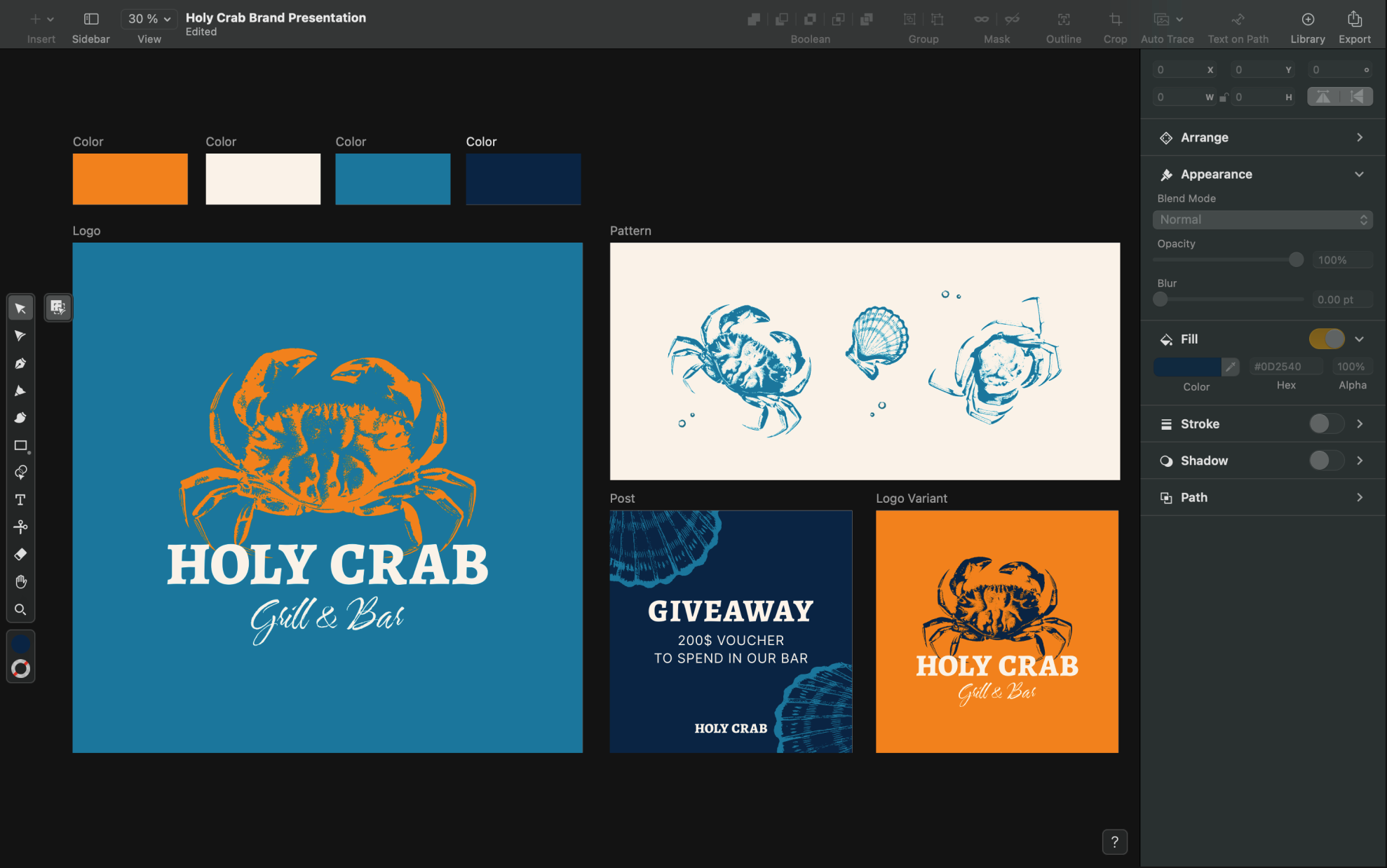
No more manual tracing
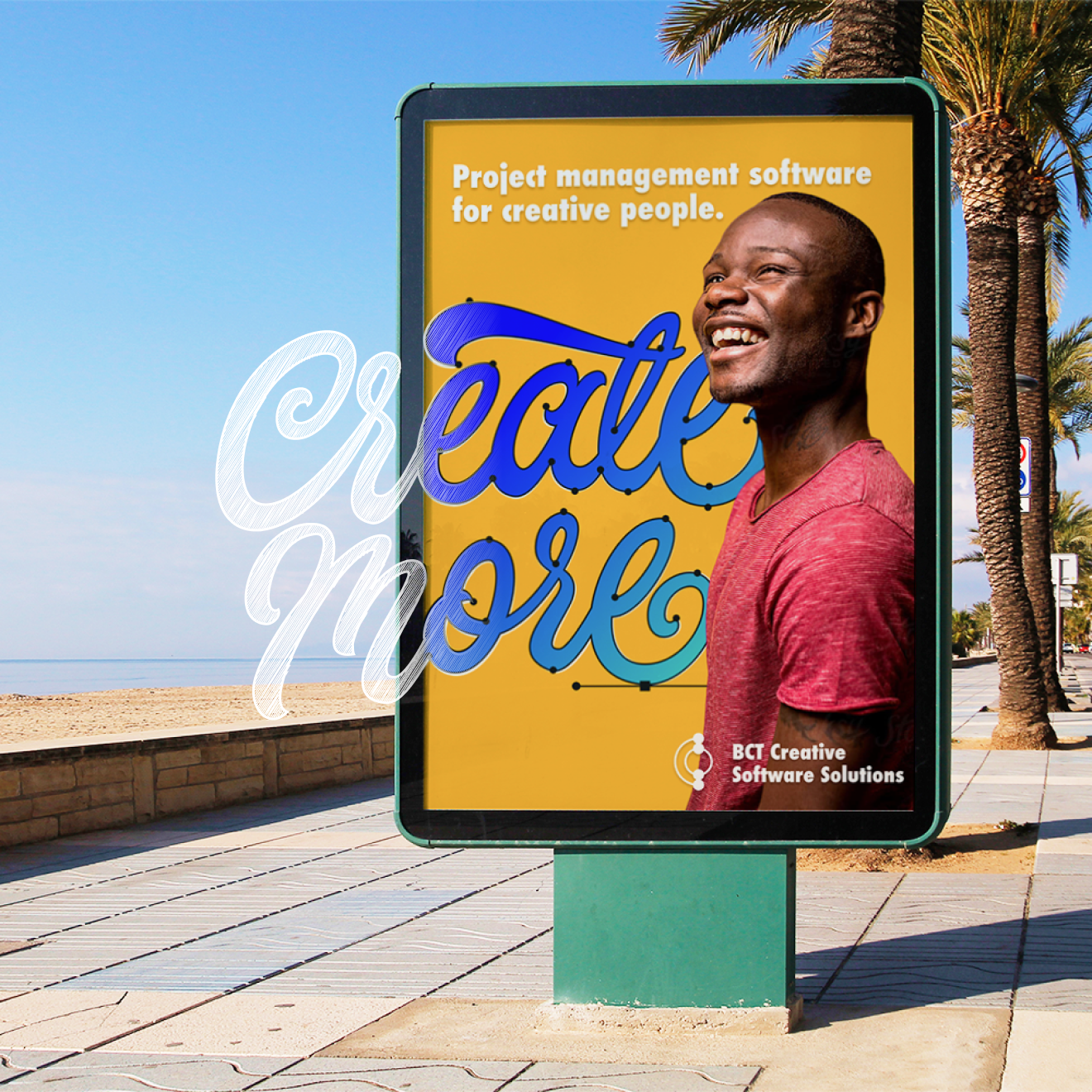


Auto Trace has three modes for different use cases: Sketch, Photography, and Illustration. If you don’t know which one to choose, our CoreML Machine Learning model will analyze your images and automatically select the right one. Sketch Mode scans your imported drawings on paper and turns your pen and pencil lines into editable vector paths. This mode works particularly well with hand-drawn lettering and logos.
Jumpstart your design workflow
Explore Linearity Curve's powerful tools and features on Apple devices.
What sets Auto Trace in Linearity Curve apart from other tools?
With just a tap, Auto Trace utilizes a custom algorithm to transform raster images and photos into editable vector graphics. Whether you’re converting sketches or photos, this AI-powered tool streamlines the process.
Compared to other tools, you'll spend less time on tedious manual tracing, and will have more time to spend on refining details.
Features | Other tools | |
|---|---|---|
AI precision | ||
Easy + instant transformation | ||
Custom algorithm for different image types |
1 million+ high-resolution images
Choose from a library of free photos to use in your designs.
1k+ design templates
Launch your ideas faster with free, ready-to-use templates.
80k+ royalty-free icons
Drop these vector elements straight into your document.
Explore other Linearity Curve tools
Linearity Curve’s powerful suite of tools is ideal for marketing design. You can create user interfaces, social media posts, logos, lettering, and print designs, all in the same tool. Then bring your designs to life by animating them in Linearity Move.
:quality(75))
:quality(75))
:quality(75))
:quality(75))
Frequently-asked questions
It's super easy. Simply import and select the sketch or photo you want to image trace and select Auto Trace in the Quick Actions tab. Our software will automatically analyze your input image and decide between "Sketch" or "Picture" in the "Type" picker section of the Inspector. Next, our tracing options allow you to adjust the complexity and contrast settings to get the perfect level of detail in your digital artwork. Finally, hit the Auto Trace button and watch your raster graphics turn into high-resolution images within seconds! Once complete, you can use the additional options and tools in Curve to refine your design.
PNG stands for Portable Network Graphics. It is a raster graphics file format that supports lossless data compression and transparent backgrounds. The image trace technology inside Linearity Curve allows you to transform high-resolution PNG images into vectors. It can also do the same for JPGs.
There are some image trace websites that offer to convert raster graphics into vectors for free. However, the outcome isn't always as precise as you'd like. Curve is free to use for anyone with an iOS device, and the quality of our Auto Trace functionality is something we're proud of.
Auto Tracing is a process in Linearity Curve that allows you to transform any image into vector graphics. Our image trace technology is especially powerful when it comes to turning black and white sketches into editable vector paths. Our Auto Trace functionality can even turn photos into digital paintings with customizable brushstrokes. To understand more about why designing with vectors is a good idea, our Academy is a great source of content.
Join the Linearity Community





:quality(75))