Instagram dimensions: every size in pixels
Instagram has no single image size. Feed posts, Stories, Reels, covers and the profile photo each have their own, and the grid crops everything to 3:4.
Last reviewed . Source: Instagram size guide.
- Feed post, vertical1080 × 1350 · 4:5
- Feed post, extended vertical1080 × 1440 · 3:4
- Feed post, square1080 × 1080 · 1:1
- Feed post, landscape1080 × 566 · 1.91:1
- Story1080 × 1920 · 9:16
- Reel1080 × 1920 · 9:16
- Reel cover420 × 654 · 1:1.55
- Profile photo320 × 320 · 1:1
- Story Highlight cover1080 × 1920 · 9:16
All frames are drawn at the same scaleSafe areaShown as a circle
Instagram sizes
| Format | Size | Aspect ratio | Good to know |
|---|---|---|---|
| Feed post, vertical | 1080 × 1350 px | 4:5 | The safest default for the feed and for ads |
| Feed post, extended vertical | 1080 × 1440 px | 3:4 | Matches the profile grid |
| Feed post, square | 1080 × 1080 px | 1:1 | |
| Feed post, landscape | 1080 × 566 px | 1.91:1 | |
| Story | 1080 × 1920 px | 9:16 | Safe area 1080 × 1610 px |
| Reel | 1080 × 1920 px | 9:16 | Keep about 14% clear at the top, 35% at the bottom and 6% on each side |
| Reel cover | 420 × 654 px | 1:1.55 | The grid shows a 3:4 center crop |
| Profile photo | 320 × 320 px | 1:1 | Displayed as a circle, about 110 × 110 px on mobile |
| Story Highlight cover | 1080 × 1920 px | 9:16 | Center-cropped to a circle |
Cropping and safe areas
- Every post is center-cropped to 3:4 in the profile grid, whatever its original shape. Vertical posts (4:5 and 3:4) lose the least.
- In a carousel, the first slide sets the aspect ratio for all slides. 1080 × 1350 px is the safest choice.
- At 1080 px wide, Instagram keeps any height between 566 px (1.91:1) and 1440 px (3:4). Outside that range the photo is cropped.
- For Stories, keep key footage and text inside a 1080 × 1610 px safe area, which leaves roughly 155 px clear at the top and bottom.
- Reels are cropped in three places: full screen (9:16), feed (4:5) and grid (3:4). A centered composition survives all three.
- If you plan to promote a post with Meta Ads, 4:5 is often safer because some ad placements crop taller images.
The full advice for each format is in the Instagram size guide.
Resize one design into all of these
Make the design once. Linearity re-fits the layout to each format instead of stretching it, and every version is its own editable file. The original stays untouched.
Resize a design for every format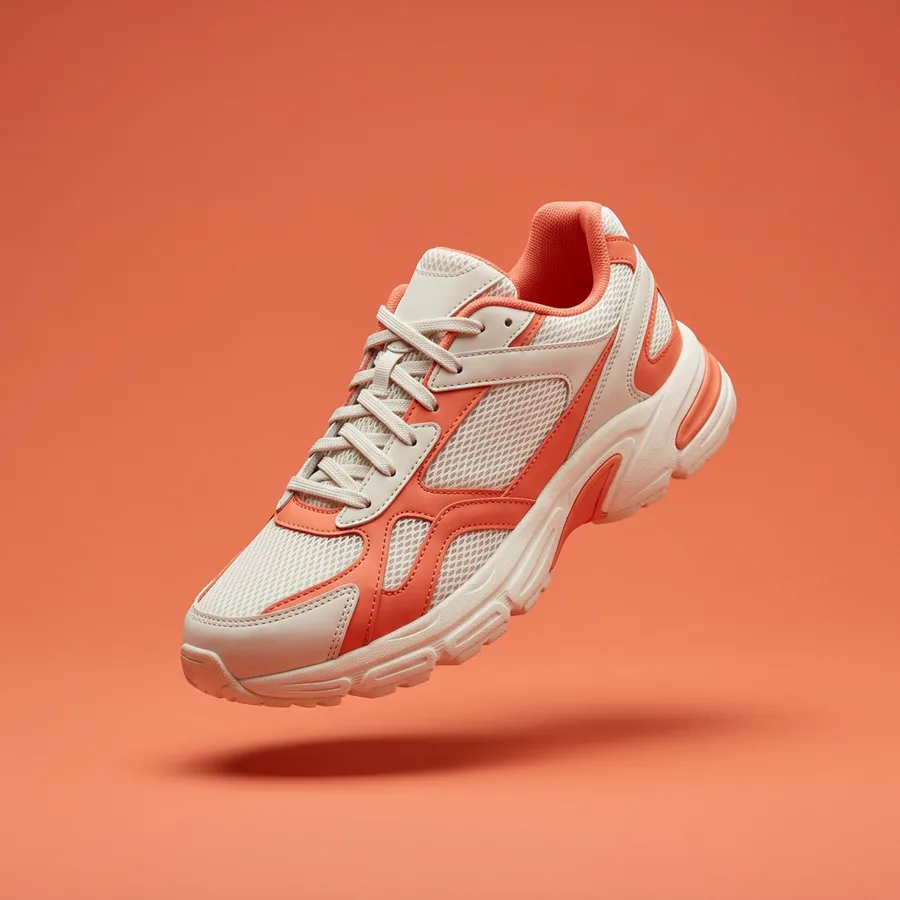
Stride
Summer drop
The Aero 2 is here.
Shop now
Stride
Summer drop
The Aero 2 is here.
Shop now
Stride
Summer drop
The Aero 2 is here.
Shop now
Start a Instagram design from a prompt
Name the format and the size in your prompt. Linearity returns an editable design in your brand.
Free to start. No credit card required.
Instagram sizes: questions
What is the best Instagram post size?
For most feed posts, 1080 × 1350 px (4:5) is the safest default. 1080 × 1440 px (3:4) uses more of the screen and matches the grid. Square 1080 × 1080 px and landscape 1080 × 566 px still work.
What size are Instagram Stories and Reels?
Both use 1080 × 1920 px (9:16). Keep text and logos away from the top and bottom, where Instagram's interface sits. Reels are also cropped to 4:5 in the feed and 3:4 in the grid, so keep the important parts centered.
Does the Instagram profile grid still crop to squares?
No. Instagram moved profile grid previews from 1:1 to 3:4 in early 2025. Every post is center-cropped to 3:4 in the grid, so vertical posts (4:5 and 3:4) lose the least.
Can one design be resized for every Instagram format?
Yes. Design the post once, then in Linearity select the artboard, choose the format you need and click Generate. The layout is re-fitted to the new format, not stretched.
Sizes for other platforms
- Facebook dimensionsCover photo: 851 × 315 px
- X (Twitter) dimensionsHeader: 1500 × 500 px
- LinkedIn dimensionsCover / banner: 1584 × 396 px
- YouTube dimensionsVideo thumbnail: 1280 × 720 px
- Pinterest dimensionsStandard pin: 1000 × 1500 px
- Twitch dimensionsChannel banner: 1920 × 480 px
- Discord dimensionsServer banner: 960 × 540 px
- Etsy dimensionsListing image: 2700 × 2025 px
Start from a layout: Instagram post templates, Instagram Story templates, Instagram Highlight templates
All platforms in one article: social media image sizes guide